2-10
Step 3 Perform Initial Setting of the Camera
Perform Initial Setting of the Camera
Set the network for the VB-C500VD/VB-C500D using VB Initial Setting Tool.
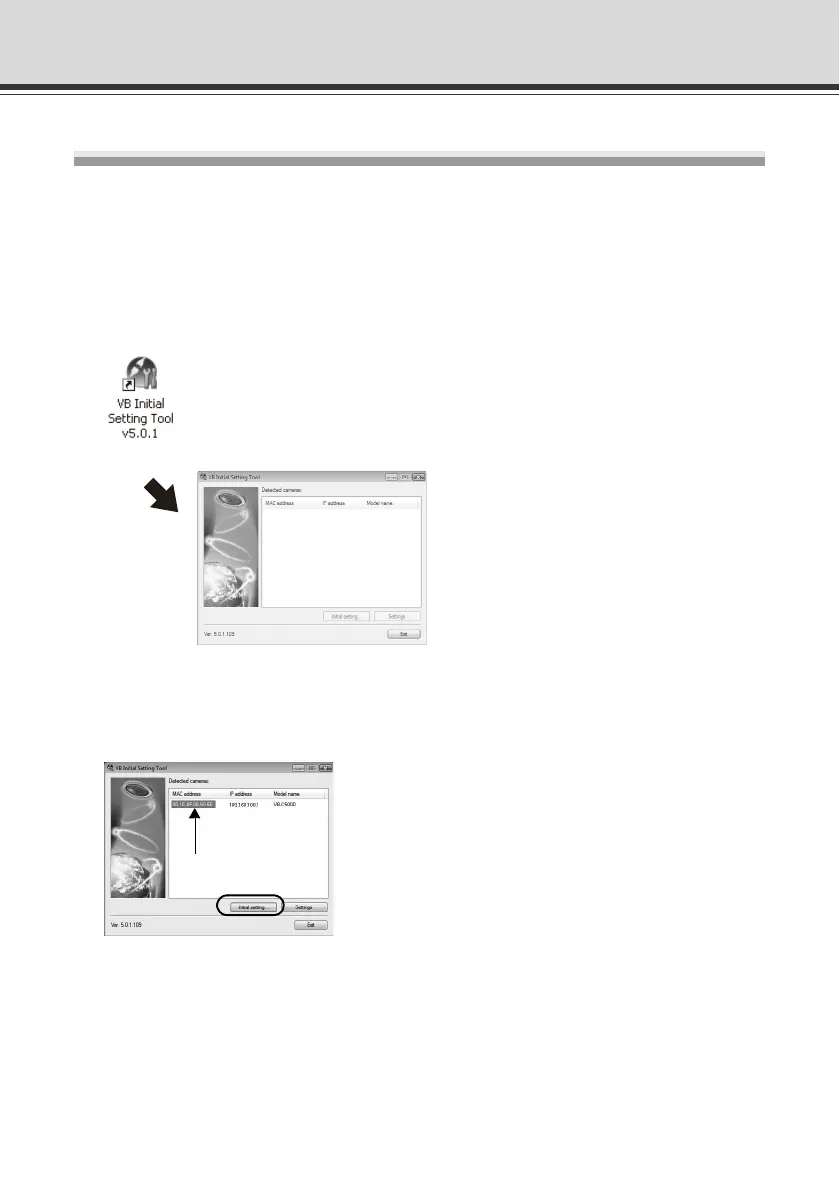
1. Launches VB Initial Setting Tool.
Double-click the [VB Initial Setting Tool] icon on the desktop.
Alternatively, click the [Start] menu [Programs] [WebView Livescope] [VB Initial
Setting Tool].
Double-click the icon on the desktop.
2. VB Initial Setting Tool automatically detects the camera connected to the network, and
displays the MAC address, IP address and model name of the camera.
Click to select the MAC address, and then click the [Initial setting] button.
The factory default IP address is as follows.
192.168.100.1
The MAC address is specified on the label attached to the bottom of the camera ( P. 1-20).
Note that VB Initial Setting Tool cannot exceed the subnet mask.
Click to select.



 To Next Page