1-6
Bundled Software
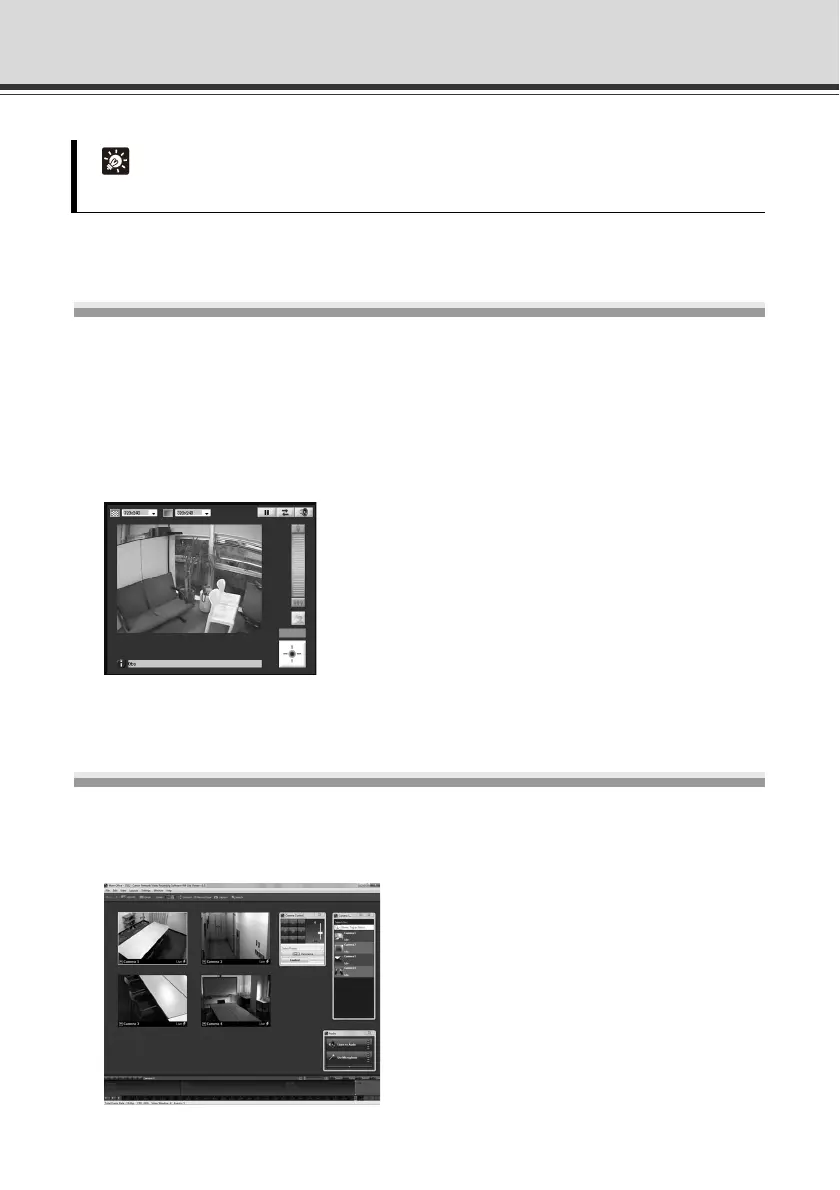
VB-C500 Viewer
( "Overview of VB-C500 Viewer" in Operation Guide)
VB-C500VD/VB-C500D Viewer is for displaying video captured by this camera and controlling the
camera. User authority settings for [Administrator], [Authorized User], and [Guest User] can be
made, and [Authorized User] and [Guest User] control privilege restrictions applied, on the
VB-C500VD/VB-C500D setting page. VB-C500 Viewer is already built into the camera and need
not be installed beforehand (P. 2-4).
Only JPEG can be displayed. To display MPEG-4 video, install RM-Lite Viewer (P. 1 - 7 ) .
Network Video Recording Software RM-Lite
( Administrator’s Manual)
RM-Lite, which is a simplified version of the optional "Network Video Recording Software RM-64/
RM-25/RM-9" ( P. 1-24), is included in the package. RM-Lite consists of the following two
software programs:
Tip
VB Initial Setting Tool can be used commonly with the VB-C60, VB-C300 and VB-C50 series.



 To Next Page