1-15
Notes on Operating Environment
1
1
Before Use
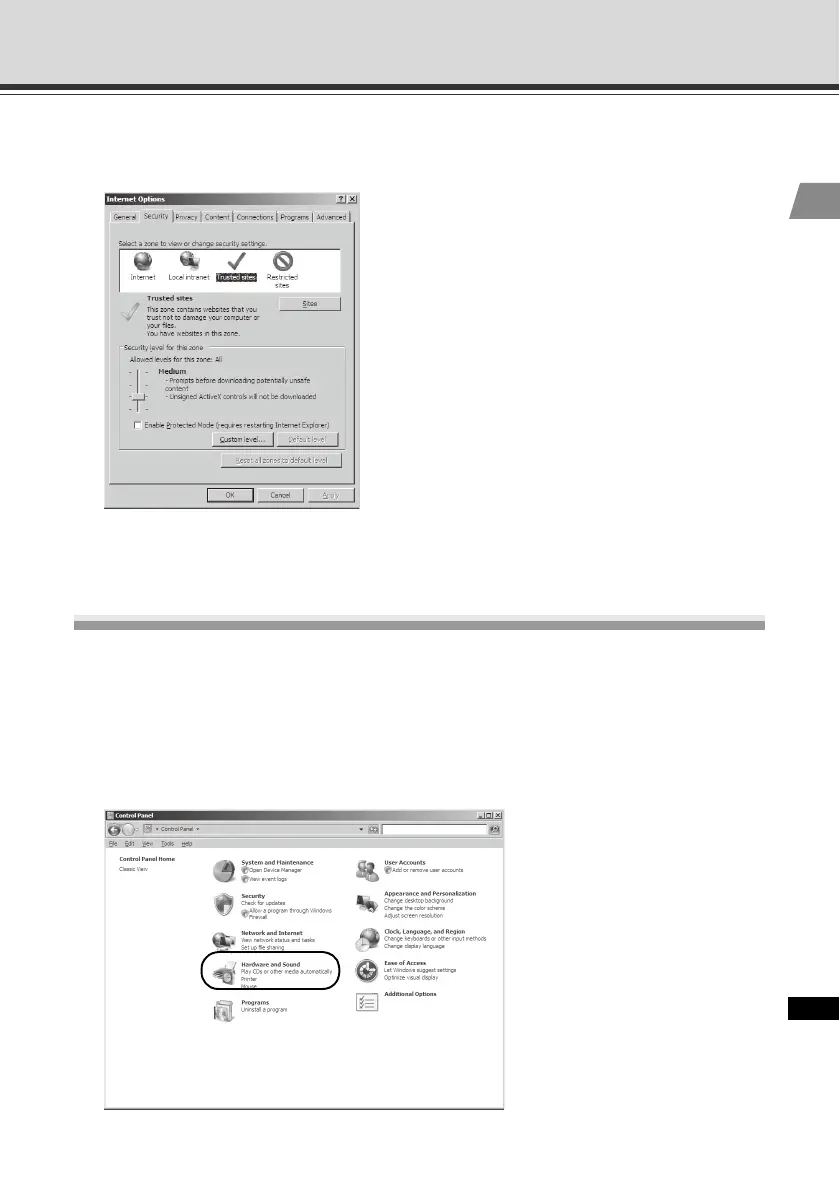
3. Click [Trusted sites], and then click [Sites].
The [Trusted sites] dialog box appears.
This completes the process of registering the camera's top page as a trusted site.
Notes on Use with Windows Server 2008
Enabling the Sound Function to Use Audio
In Windows Server 2008, the sound function is disabled by default. If you want to receive audio
on VB-C500 Viewer, enable the sound function by following the procedure below.
1. Click [Control Panel] and select [Hardware and Sound].



 To Next Page