1-14
Notes on Operating Environment
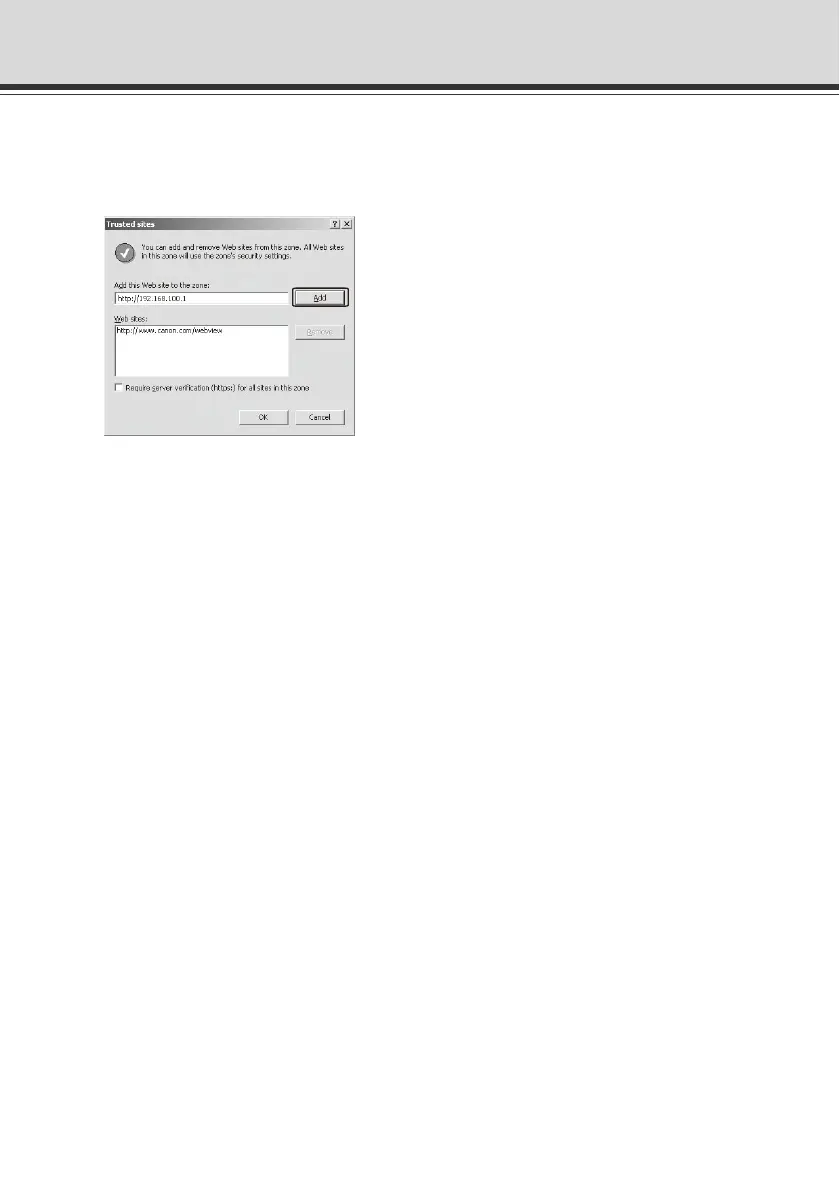
2. The [Trusted sites] dialog box appears.
Clear the [Require server verification (https:) for all sites in this zone] check box,
if currently selected.
3. Enter the IP address of the VB-C500VD/VB-C500D under [Add this Web site to the zone], and
then click [Add].
For details on registering trusted sites, click the [Learn more about Internet Explorer's
Enhanced Security Configuration...] in the dialog box in step 1 and see the displayed
overview.
Note that even when the contents block dialog box does not appear, setting pages and
operations of VB-C500 Viewer may still be limited because JavaScript is sometimes disabled
under the standard security setting. Once the camera's top page is registered as a trusted site,
JavaScript is automatically enabled.
If the contents block dialog box does not appear, you can follow the procedure below to display
the [Trusted sites] dialog box.
1. Click [Tools] on the Internet Explorer screen, select [Internet Options], the [Internet Options]
dialog box appears.
2. Click the [Security] tab.



 To Next Page