2-2
Flow of Setup
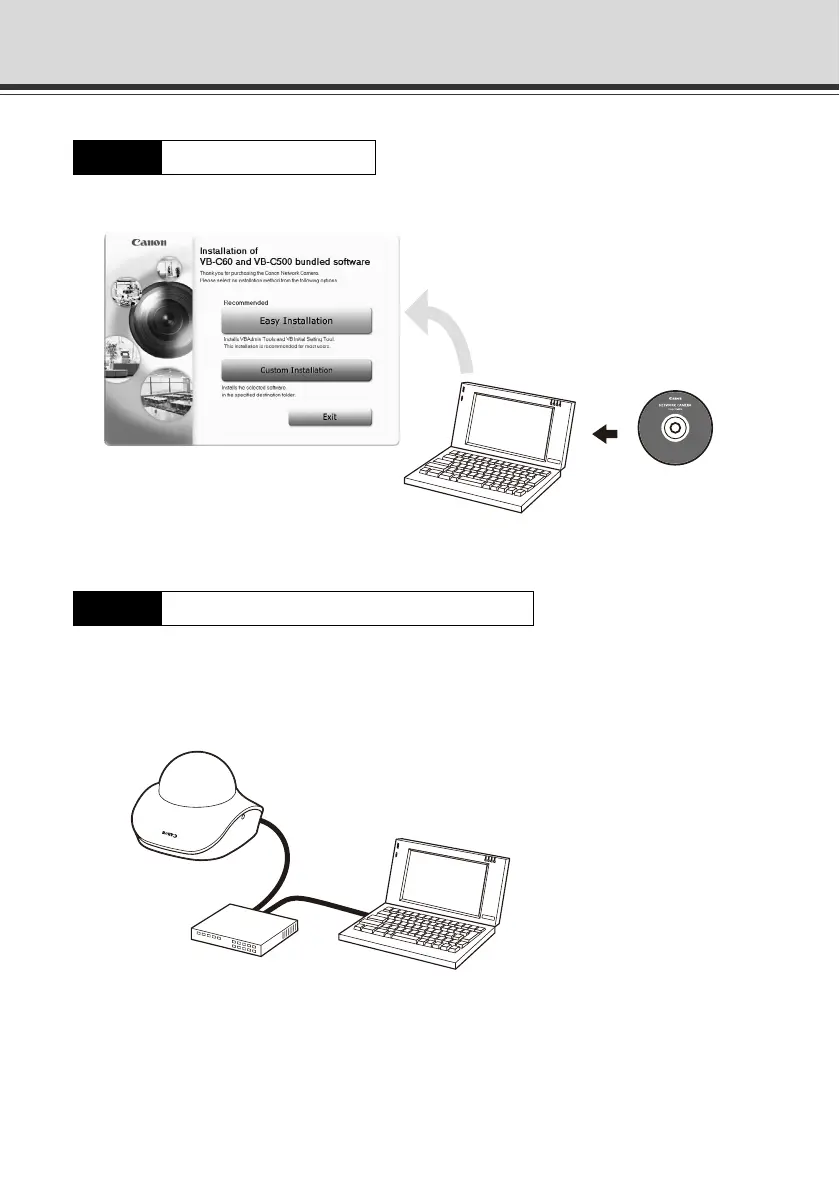
Insert the bundled Setup CD-ROM in the PC and install the necessary software (
P. 2-4).
Connect the VB-C500VD/VB-C500D and PC to the network ( P. 2-6).
If a PoE HUB or Midspan is used, consult your Canon sales representative.
The figure shows an example of connection via a PoE HUB.
Step 1 Install the software
Step 2 Connect the camera to the network
Bundled Setup CD-ROM
PC
PoE HUB
PC
VB
-
C500D
LAN cable



 To Next Page