2-4
Step 1 Install the Software
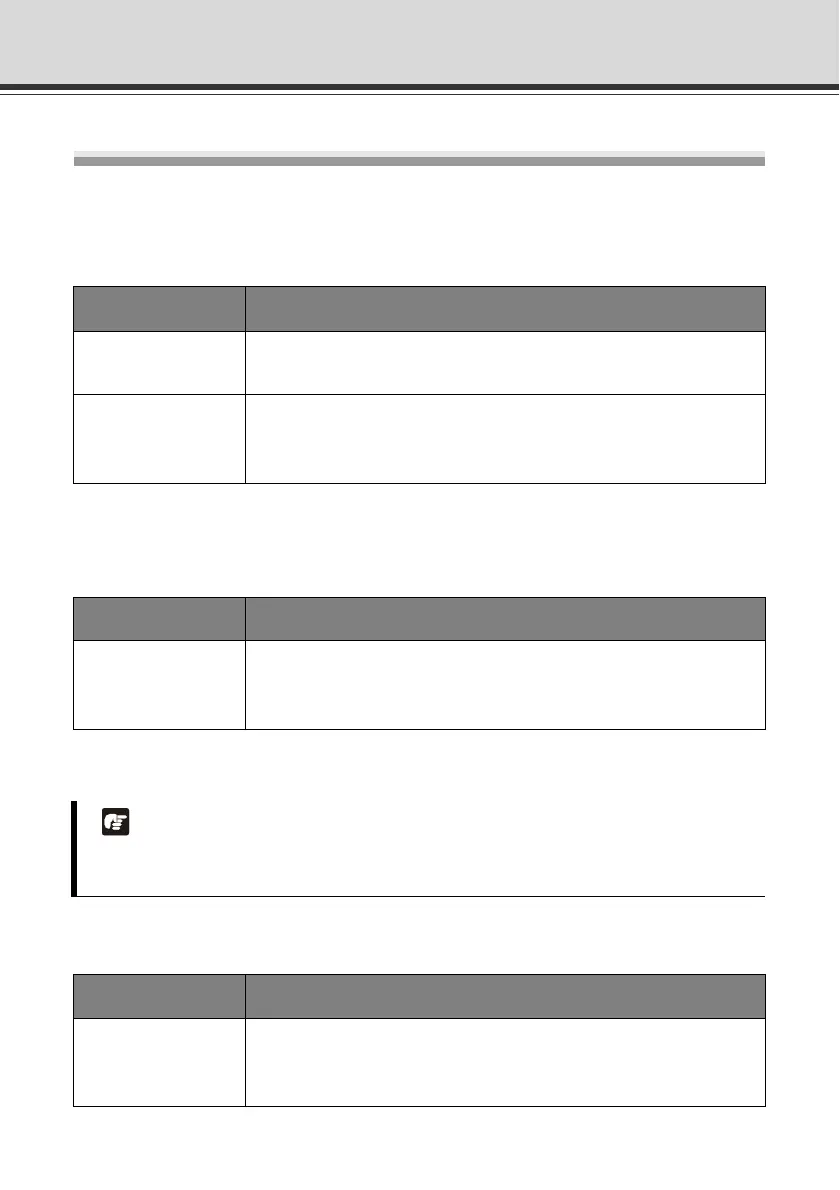
Install the Necessary Software
First, install the necessary software from the bundled Setup CD-ROM ( P. 1-5).
Software for Initial Setting and Management of the Camera
D Install it by executing VBToolsInstall.exe in the APPLICATIONS folder of Setup CD-ROM.
Recording Software
D Install it by executing RMLiteInstall.exe in the APPLICATIONS folder of Setup CD-ROM.
In-Camera Software (Need Not be Installed)
Ty pe Overview
VB Initial Setting
To o l
This software is used to configure initial camera settings (P. 2-10).
Users other than Administrators need not install this tool.
VBAdmin Tools
This software is used to manage the camera. ( Chapter 2 in
Operation Guide).
Users other than Administrators need not install this tool.
Ty pe Overview
Network Video
Recording Software
RM-Lite
This software is used to display and record video captured by the
camera. It consists of Storage Server and Viewer ( P. 1-6).
Note
Use RM-Lite Viewer if you want to display MPEG-4 video from the camera.
Only JPEG video can be displayed using the built-in VB-C500 Viewer.
Ty pe Overview
VB-C500 Viewer
This software is used to display video captured by the camera. The
software is already built into the camera and need not be installed
( P. 1-6).



 To Next Page