2-5
Step 1 Install the Software
Initial Setting and Installation of Camera
Install VB Initial Setting Tool, which is required for the inital setting of the camera.
1. Insert Setup CD-ROM bundled with the camera in the CD-ROM drive of the PC, and perform
the following procedure.
(1) After confirming that all other applications have been closed, click the [Start] menu and
then select [My Computer].
(2) Double-click the displayed CD-ROM icon APPLICATIONS Folder and then click
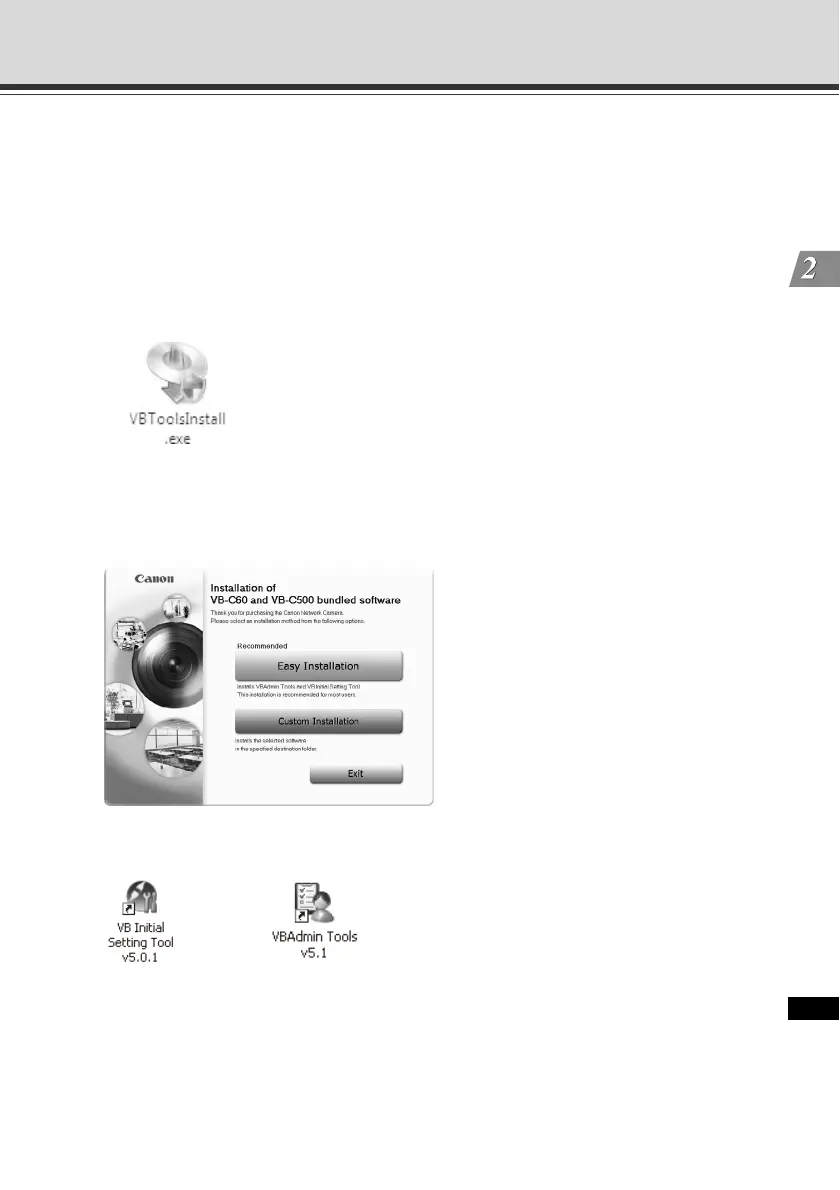
VBToolsInstall.exe.
2. The initial screen appears. Select an installation method.
[Easy Installation]: VB Initial Setting Tool and VBAdmin Tools are installed.
[Custom Installation]: The user can select and install desired software.
3. When the installation is complete, an icon appears on the desktop.
This completes the installation.



 To Next Page