1-13
Notes on Operating Environment
1
1
Before Use
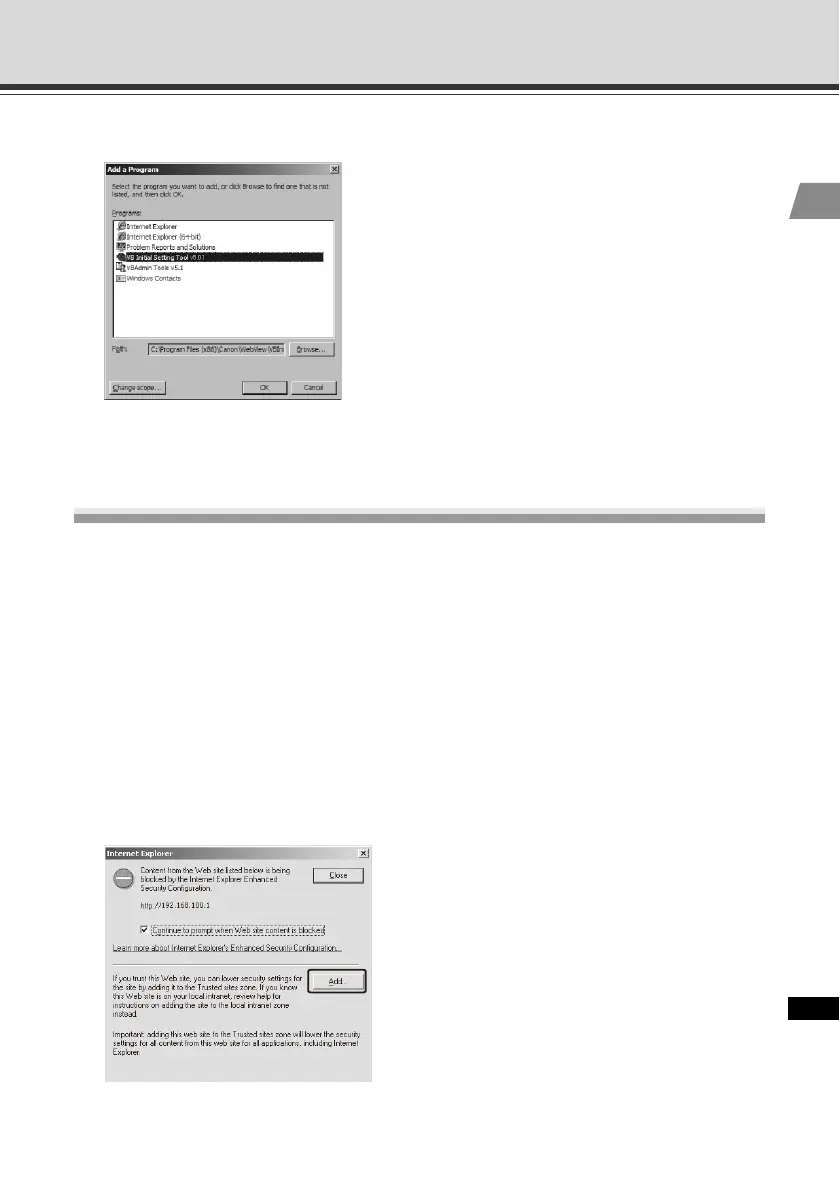
3. The [Add a Program] dialog box appears. Click [VB Initial Setting Tool], and then click [OK].
Notes on Use with Windows Server 2003/Windows
Server 2008
Registering the Camera's Top page as a Trusted Site
In Windows Server 2003 and Windows Server 2008, the security level for Internet sites and
intranet sites on Internet Explorer is set to [High] by default.
Accordingly, when you access the top page of the camera, VB-C500 Viewer or any setting page,
the contents block dialog box appears and the page is not displayed correctly.
To display these pages correctly, register them as trusted sites.
1. When the camera's top page is accessed via Internet Explorer, the following dialog box appears.
Click [Add].



 To Next Page