1-16
Notes on Operating Environment
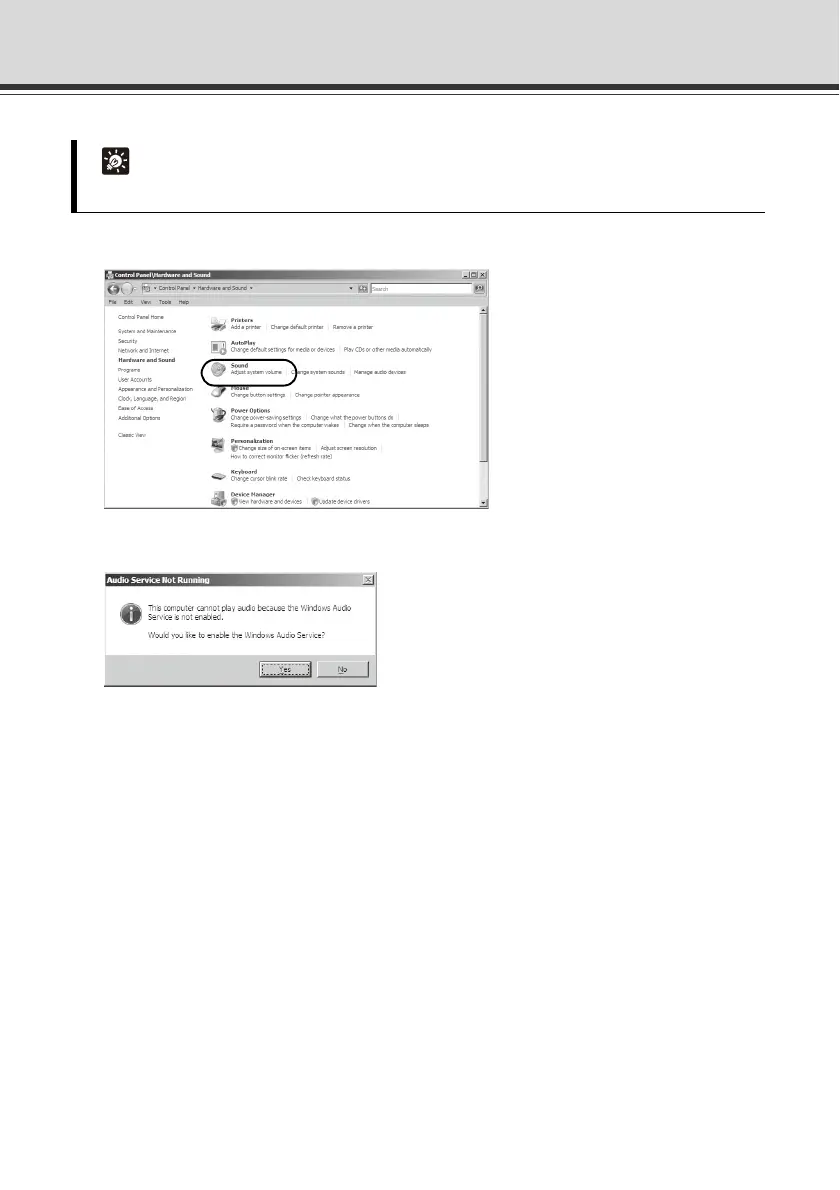
2. Click [Sound].
3. An [Audio Service Not Running] message appears. Click [Yes].
4. The [Sound] dialog box appears. Click the [Playback] tab to confirm that an audio device has
been installed. (If no audio device is installed, check the manual for your PC.)
Tip
If [Control Panel] is displayed in a classic view, double-click [Sound].



 To Next Page