1-9
Bundled Software
1
1
Before Use
Comparison of Two Viewers
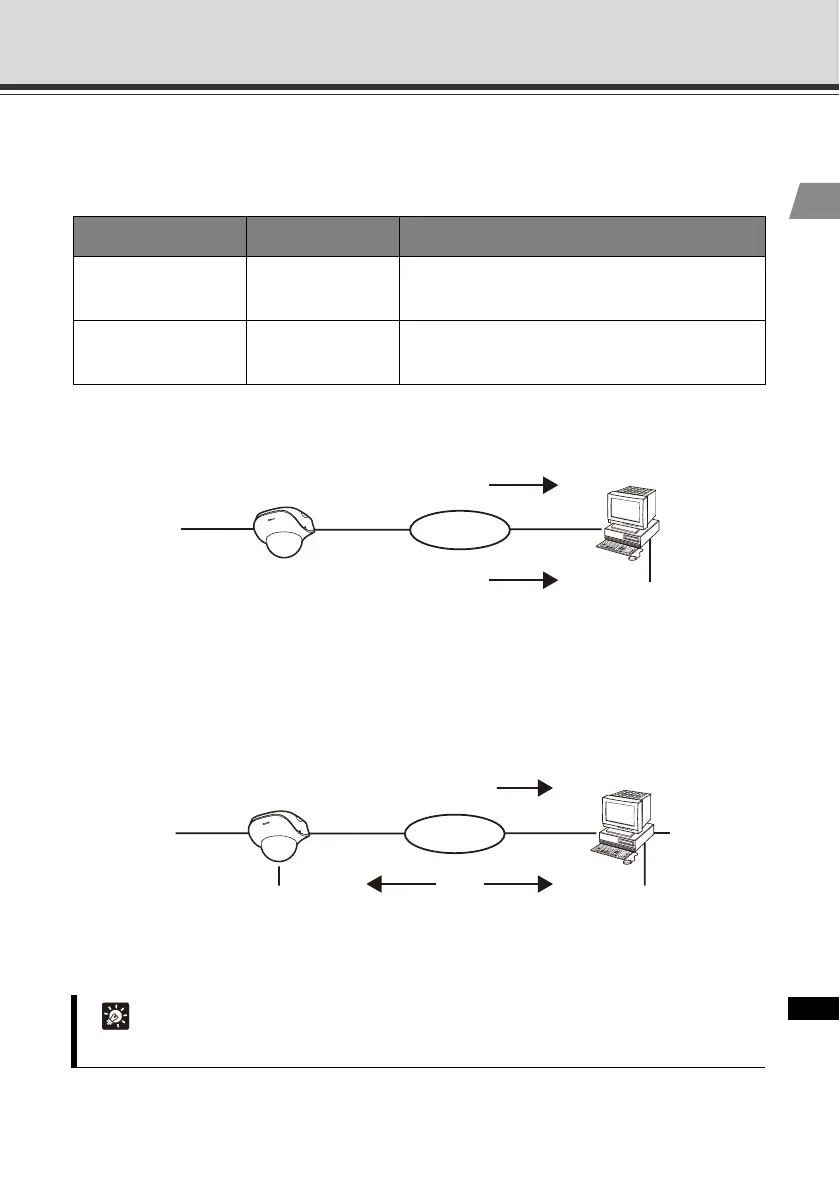
The VB-C500VD/VB-C500D has two viewers. The key differences are specified below.
VB-C500 Viewer Audio Reception (One-way Communication)
Audio from the microphone connected to the VB-C500VD/VB-C500D can be listened from the
viewer speaker.
RM-Lite Viewer Audio Transmission/Reception
(Two-way Communication)
Audio can be transmitted/received between the VB-C500VD/VB-C500D and viewer.
Viewer type Live video display Audio
VB-C500 Viewer JPEG
Receive audio from the VB-C500VD/VB-C500D
(one-way communication)
RM-Lite Viewer JPEG/MPEG-4
Transmit/receive audio
(two-way communication)
Tip
PC, speaker and microphone are sold separately.
Speaker
JPEG
Network
VB-C500 Viewer
Audio
Microphone
(sold separately)
VB-C500VD / VB-C500D
Speaker
JPEG/MPEG-4
Microphone
(sold separately)
VB-C500VD / VB-C500D
Network
RM-Lite Viewer
Audio
Speaker
(sold separately)
Microphone



 To Next Page