2-14
Step 3 Perform Initial Setting of the Camera
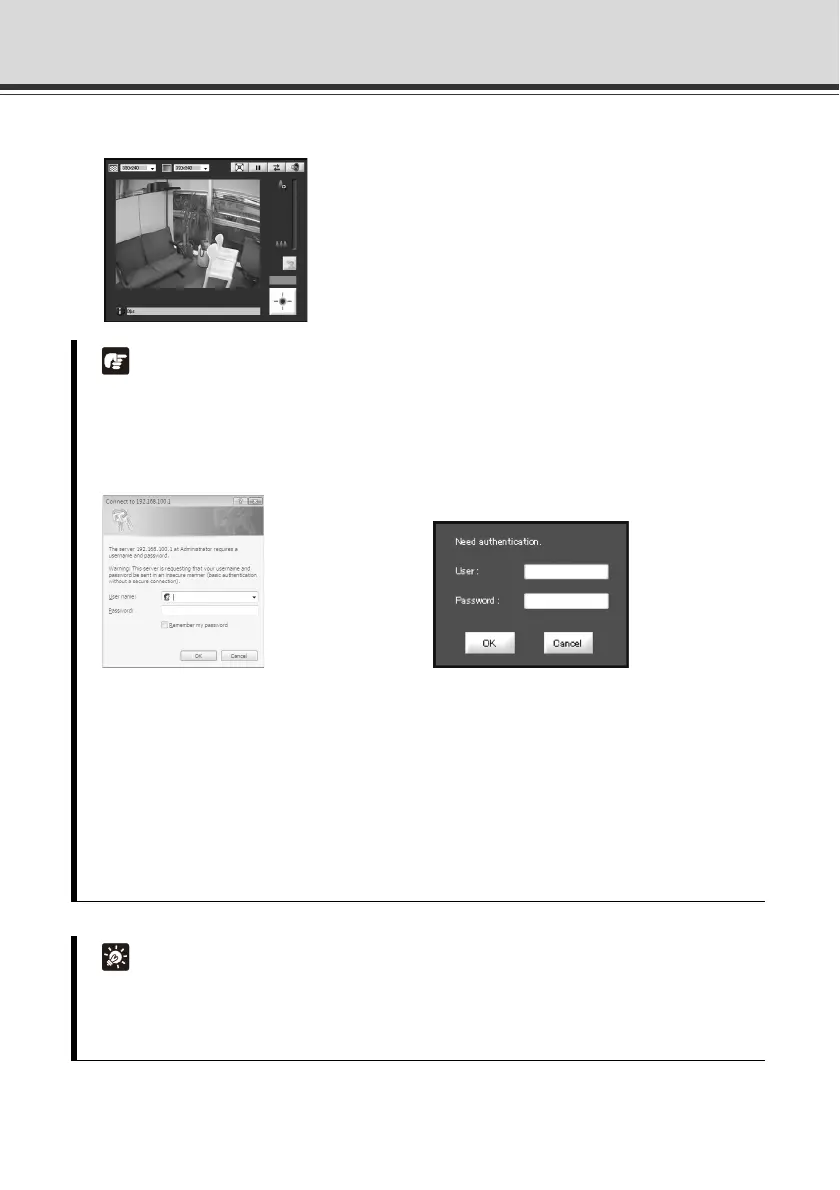
3. The viewer starts and video captured by the camera is displayed.
This completes the video check process.
Note
Clicking [Setting Page] or [Admin Viewer] on the top page of the camera displays each
user authentication window.
The factory default user name and password are as follows:
User name: root Password: camera
Authentication Window Accessed via Authentication Window Accessed via
Setting Page Admin Viewer
Be sure to change the administrator password for security reasons. See "Administrator
Password" ( Operation Guide).
To display both JPEG and MPEG-4 video, install and use RM-Lite Viewer ( P. 1-7).
Where video can be transmitted to is not limited by the factory settings, etc.
To use the camera for surveillance purposes, etc., be sure to set the [Access Control]
options on the setting page. See "Setting User Access Privileges (Access Control)"
( Operation Guide).
Tip
For information on how to use VB-C500 Viewer, see Operation Guide.
When [Setting Page] is clicked, various options can be set. See "Accessing the Setting
Menu" ( Operation Guide).



 To Next Page