Installing and Setting Up CardScan
CardScan User’s Guide 2-3
Connecting the Scanner
The following procedure is for connecting a CardScan 600C scanner. If
you use any other scanner, see the scanner documentation for instructions.
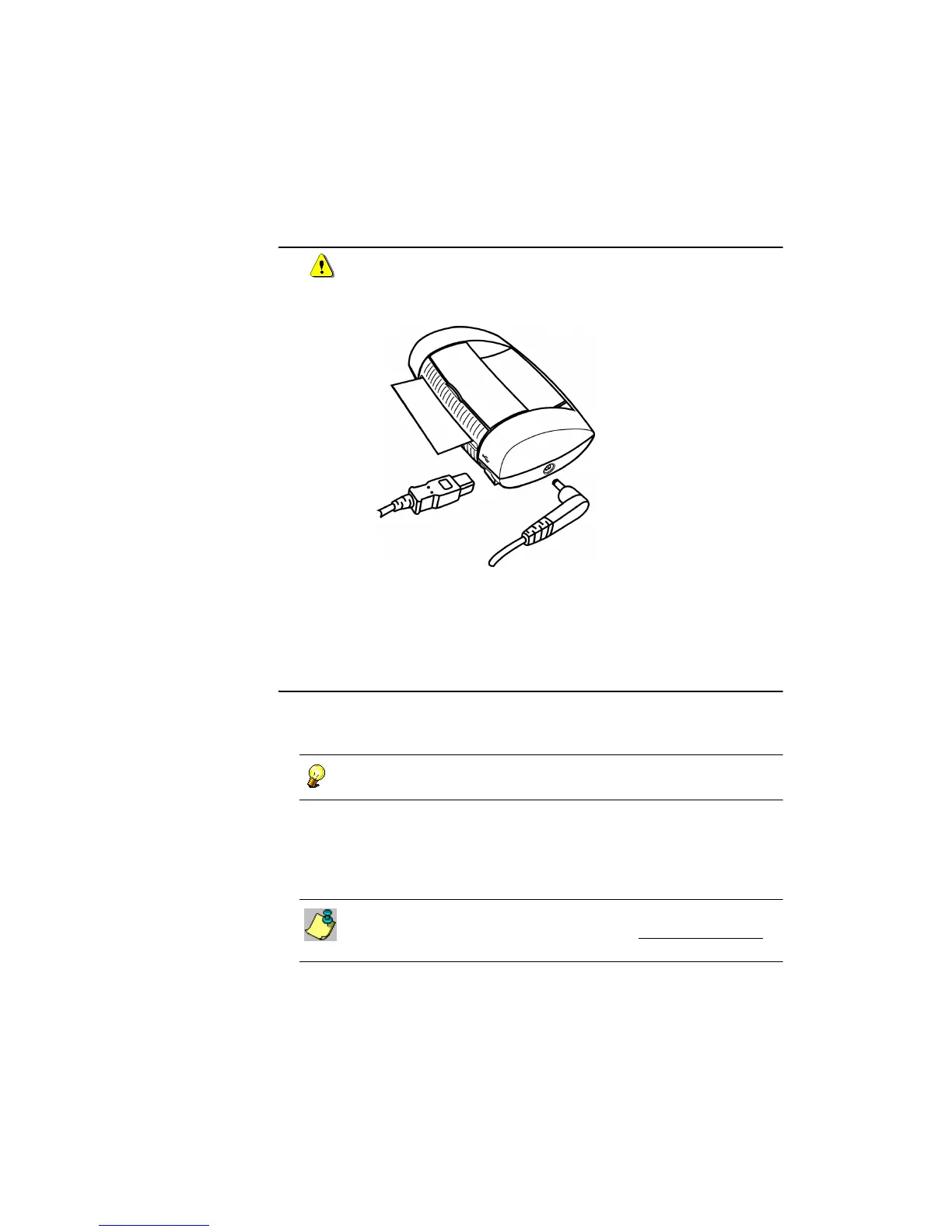
Connect your 600c Scanner as follows:
• Connect the AC adapter to the scanner. Plug the AC adapter into a
power outlet. The scanner light comes on red, blinks, then stays green.
• Using the included cable, connect the scanner's USB port to the USB
port on your PC.
Setting Up CardScan for Your Scanner
The Scanner Setup Wizard enables you to set up CardScan to work with your
scanner, to calibrate the scanner and to scan your first busness card.
To start the Scanner Setup Wizard any time, choose
Tools
→
Scanner Setup Wizard.
1. On the Scanner Setup Wizard, choose the option Yes, my scanner is
connected and click Next.
2. On the Select Scanner Type screen, select your scanner, and follow the
Wizard to detect, calibrate, and test your scanner.
For guidelines on using TWAIN-compliant scanners with CardScan,
search the Online Help on “TWAIN”. Also, visit www.cardscan.com
to
obtain a PDF document “Using CardScan with Other Scanners”.



 To Next Page