Setting up ActiveSync
CardScan User’s Guide 9-1
Chapter 9 Synchronizing with Pocket PC
®
Devices
The ActiveSync module enables you to synchronize a CardScan file and your
Pocket PC to make the files identical. If you change information in the PDA,
your CardScan file is updated automatically—and vice versa.
To synchronize with CardScan, your Pocket PC
®
must be running
Microsoft Windows CE 3.0 or later.
If Windows CE Services 3.0 or later has been installed on your computer, the
ActiveSync module is installed automatically with CardScan.
Keywords: “ActiveSync”, “Pocket PC”
You must have an existing CardScan file to set up synchronization.
Setting up ActiveSync
To set up ActiveSync:
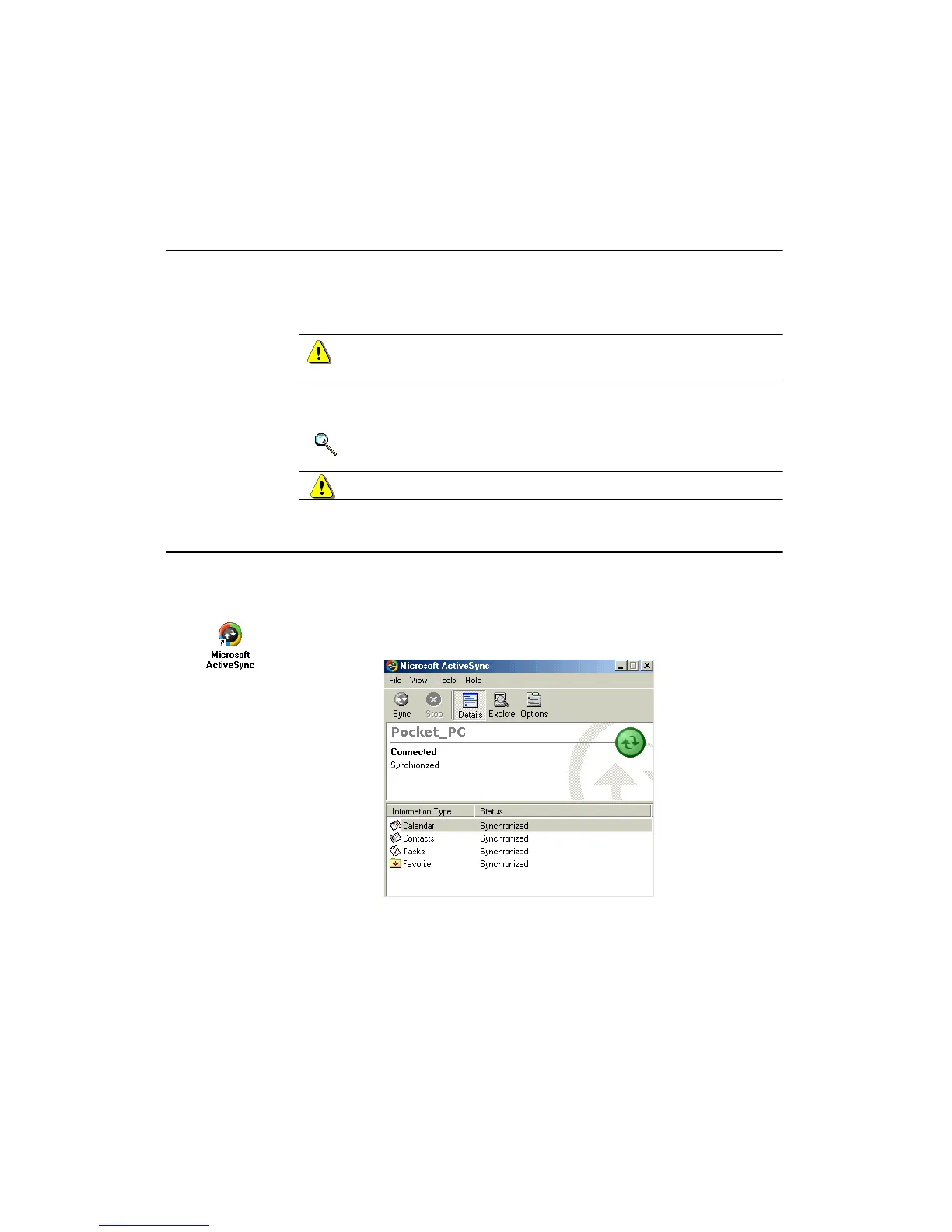
1. On your desktop, click the Microsoft ActiveSync icon or choose
Start
→Programs→Microsoft ActiveSync. The Microsoft ActiveSync
Window opens:



 To Next Page