Chapter 4 Verifying, Editing and Organizing Your Contacts
4-6 Corex Technologies
1
Features to Organize Contacts Quickly
This section introduces:
• Using Categories
• Adding notes to contacts
• Automatically categorizing and adding notes during scanning
Using Categories
Categorize your contacts to organize and find them quickly.
• Assign one or more categories to any contact.
• Assign categories to multiple contacts all at once.
Categorizing One
Contact
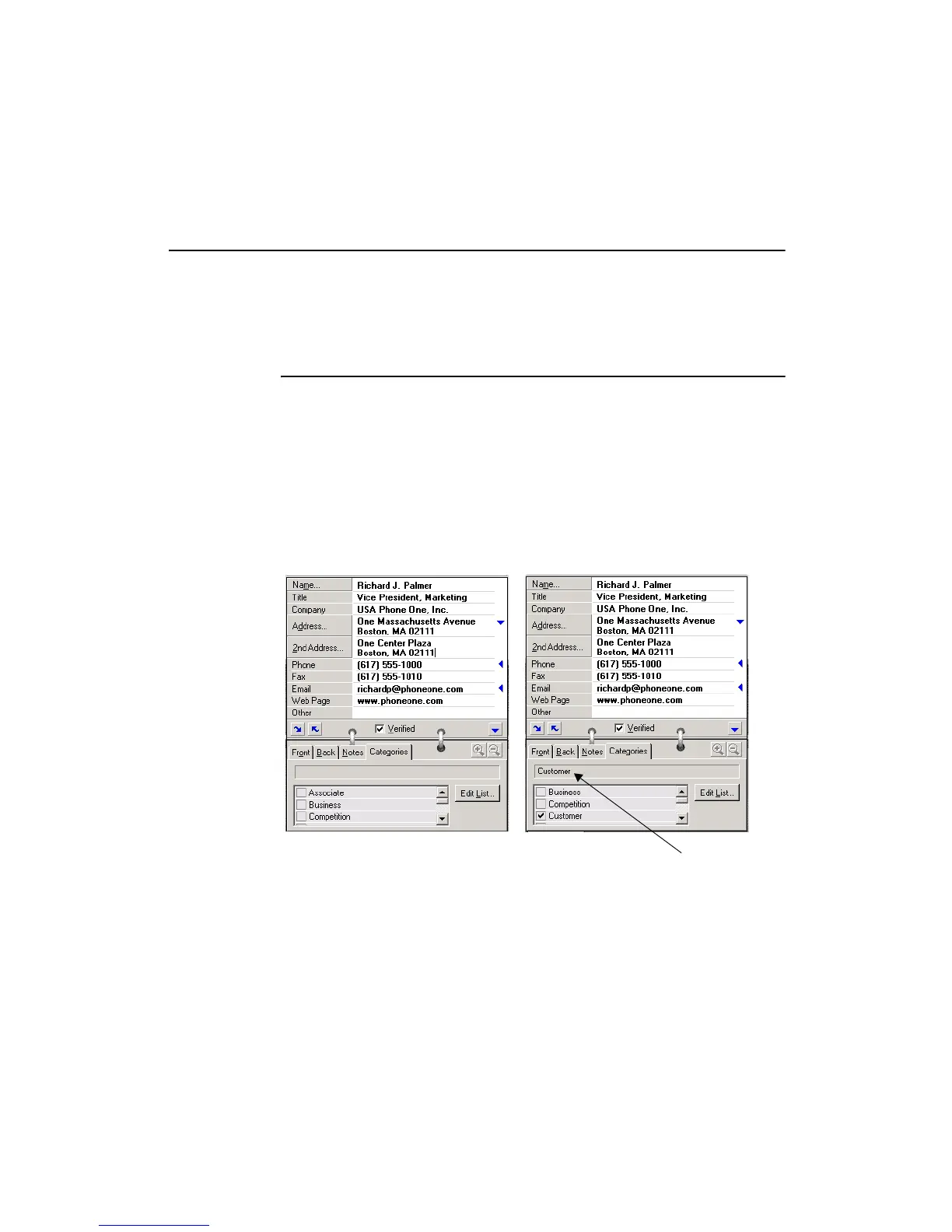
To categorize a contact:
1. Display the contact in Edit or Summary view.
2. Click the C
ATEGORIES tab. The list of categories appears.
3. Click one or more checkboxes to assign categories. For example, click
the checkbox “Customer.”
The category “Customer”
appears above the list
of categories.



 To Next Page