Manipulating Multiple Contacts in a File
CardScan User’s Guide 5-1
Chapter 5 Managing Your CardScan Contacts
This chapter describes:
• Manipulating multiple contacts in a file
• Finding contacts
• Finding and removing duplicates
• Safeguarding contacts
Manipulating Multiple Contacts in a File
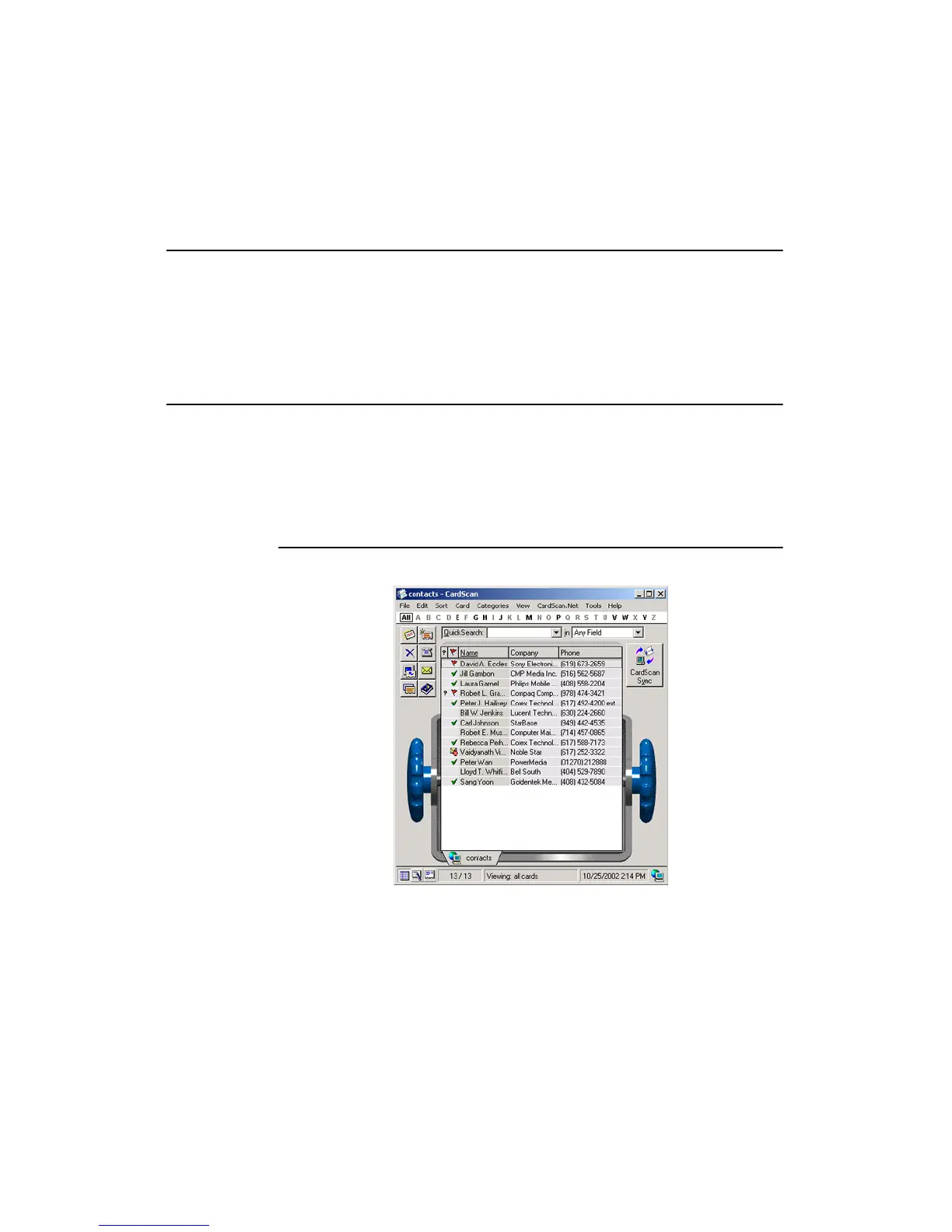
CardScan’s List view allows you to:
• View All contacts or groups of contacts in a file.
• Review the status of contacts in a file.
• Sort contacts by various criteria.
• Select multiple contacts to manipulate them at once.
Reviewing the Status of Your Contacts
From List view you can learn a lot about the status of your contact information.
The symbols next to the contacts above tell you which contacts have not been
verified. Moreover, this is an example of a file that is CardScan.Net-enabled,
and uses the AccuCard Service to tell you which contacts are current, require
updating, or do not have a valid email address. For more information, see
“Maximizing Your Contact Potential with CardScan.Net” on page 6-1.



 To Next Page