Safeguarding Your Contacts Against Loss
CardScan User’s Guide 5-5
Safeguarding Your Contacts Against Loss
You CardScan address book contains very important data. To safeguard it
against loss, you must back up contacts regularly. With CardScan, you can
protect a file by:
• Saving the file to a private, secure account on CardScan.Net, which only
you can access—with your unique password
• Backing up locally, that is saving a copy of the file to a different medium
or, at least, a different drive on your computer
The first option is highly recommended, because it provides you with a
guaranteed backup.
Keywords: “backup”.
Backing Up Your Contacts
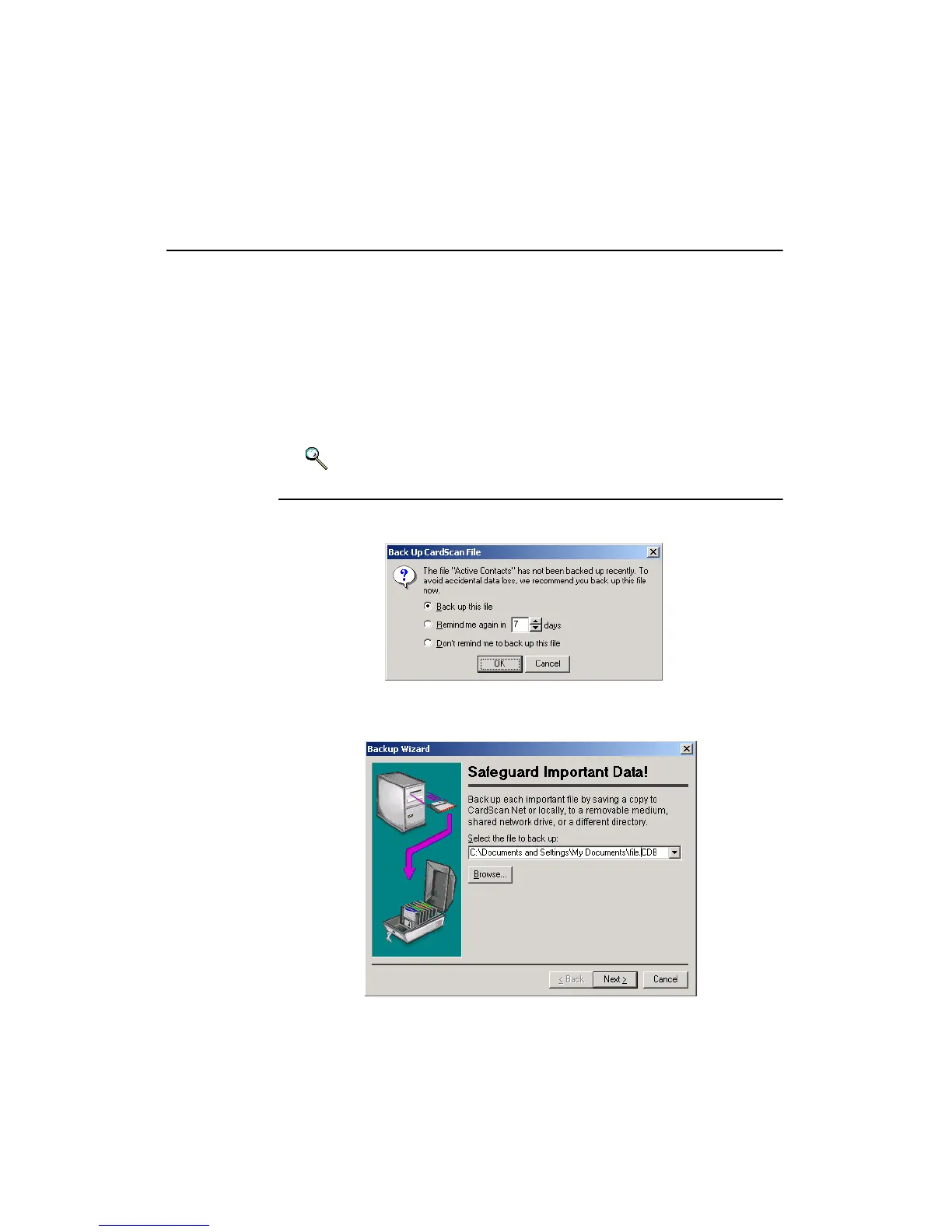
Periodically, when closing a file, you will receive a message like this one:
It is strongly recommended that you accept this prompt and back up your file:
1. Click OK. This dialog appears:



 To Next Page