Chapter 5 Managing Your CardScan Contacts
5-6 Corex Technologies
1
2. Accept the default location for the file (C:\...\My Documents\...) or browse
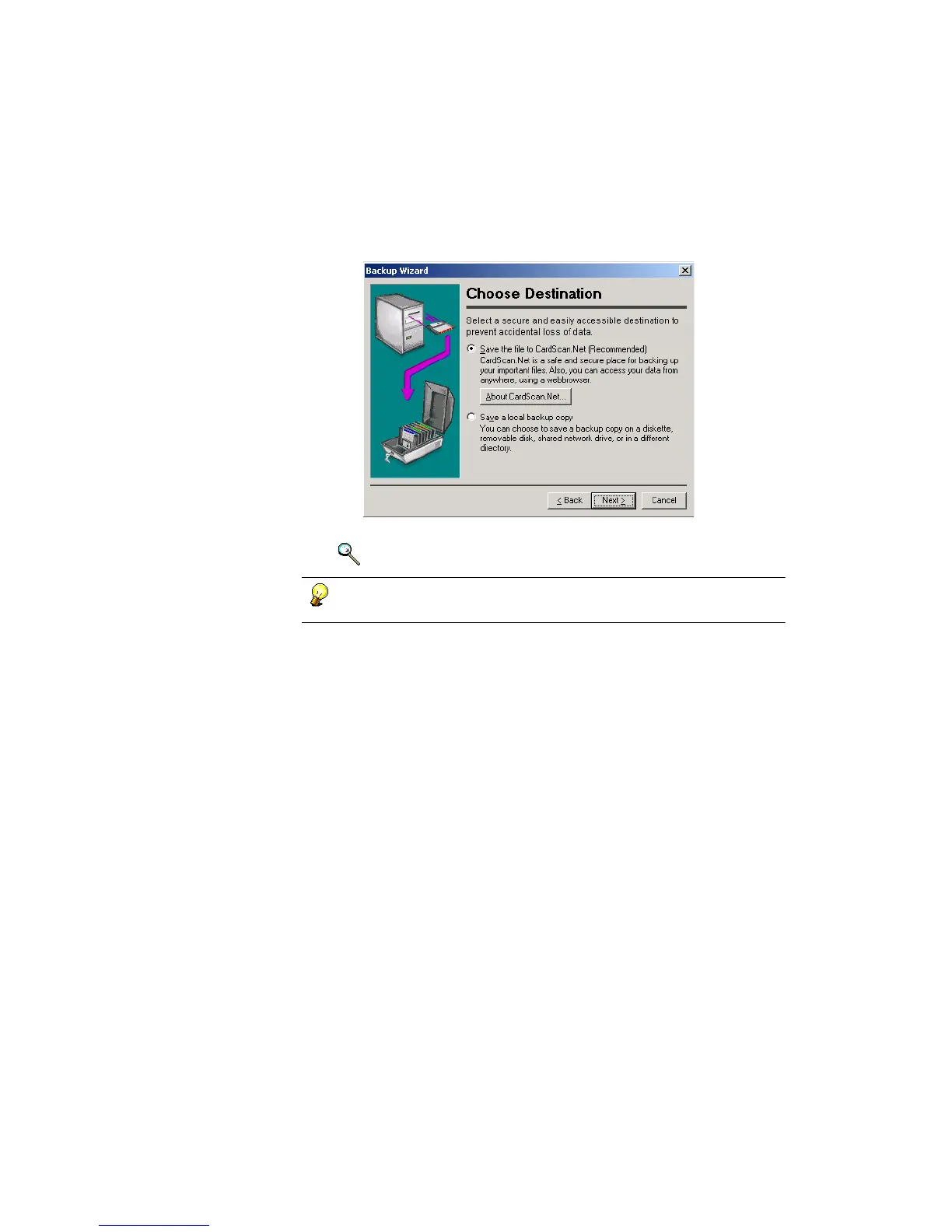
for a different one, and click Next. This dialog appears:
3. Use the Backup Wizard to safeguard your contacts the way you like.
Keywords: “backup”
You can always start the Backup Wizard by choosing
File
→
Maintenance
→
Backup.



 To Next Page