About CardScan.Net Synchronization
CardScan User’s Guide 6-3
About CardScan.Net Synchronization
Synchronization keeps the CardScan.Net and local copies of a CardScan file
identical. It handles very large files as reliably as small ones. If you have an
account on CardScan.Net, the synchronization is turned on automatically
whenever your PC is connected to the Internet and CardScan is running.
The default settings for CardScan Synchronization are intended to help
prevent inaccuracies and loss of data in the event some conflicting changes
have been made to any contact in the local and CardScan.Net copies of the
file.
This section introduces the basic concepts of:
• Conflict Resolution
• Manual Synchronization
• Automatic Synchronization
This Guide and the Online Help use the term “CardScan.Net-enabled
file”. The term means: “CardScan file that has copies on CardScan.Net
and on the local PC”.
Conflict Resolution
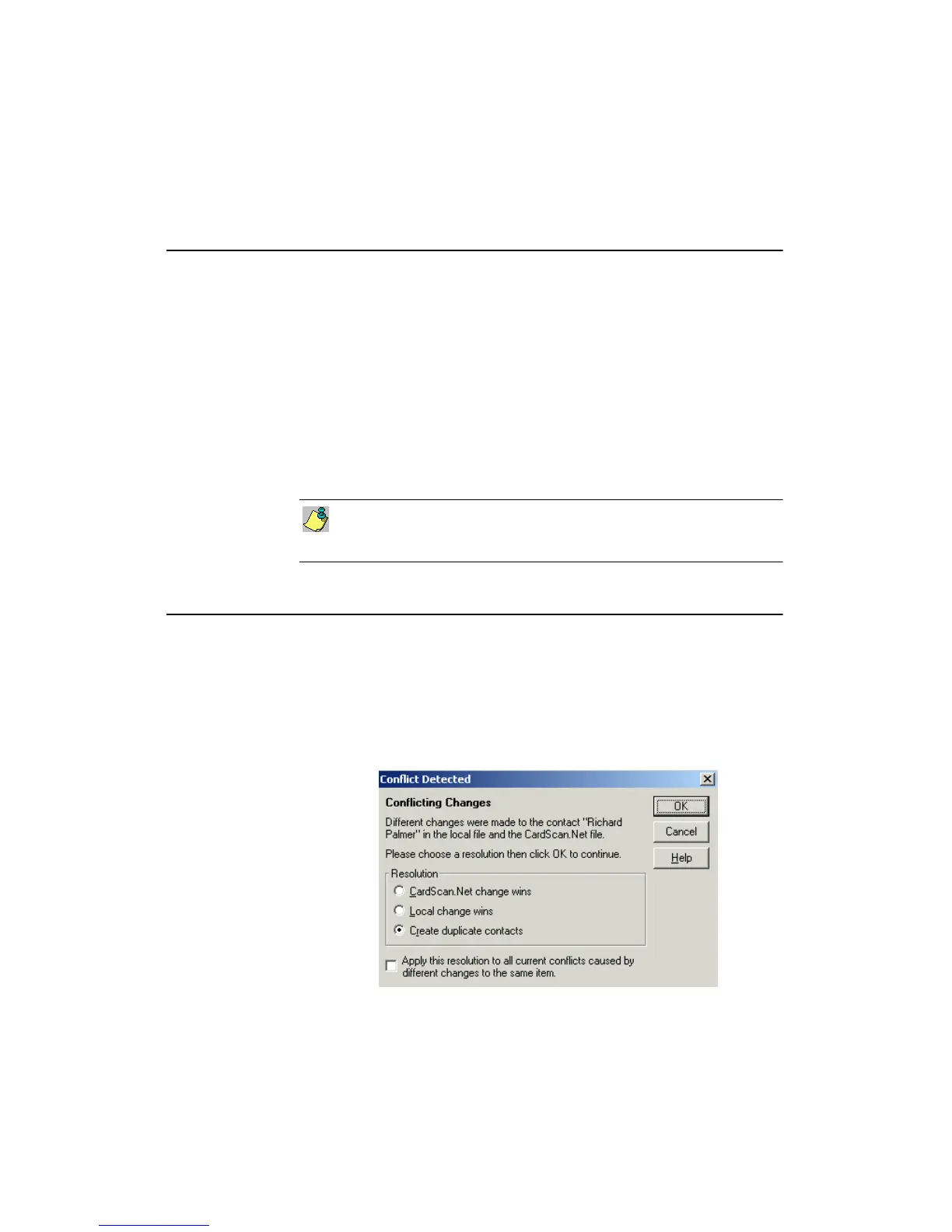
When a CardScan.Net-enabled file is synchronized, conflicts may occur, for
example, if:
• A contact was edited in one copy and deleted in the other.
• Different changes were made to the same contact in the local and
CardScan.Net copy of the file.
If a conflict occurs during manual synchronization, the appropriate Conflict
Detected dialog appears; for example:



 To Next Page