CardScan User’s Guide 11-1
Chapter 11 Printing
You have many options for the appearance of your printed information. For
example, your printed pages can look like the pages of specific personal
organizers, address labels, etc. You can also create your own formats for your
special projects.
Keywords: “print”
CardScan’s Print Wizard helps you specify:
• Which contacts to print
• What information to print from each contact
• How to lay out the information on the page
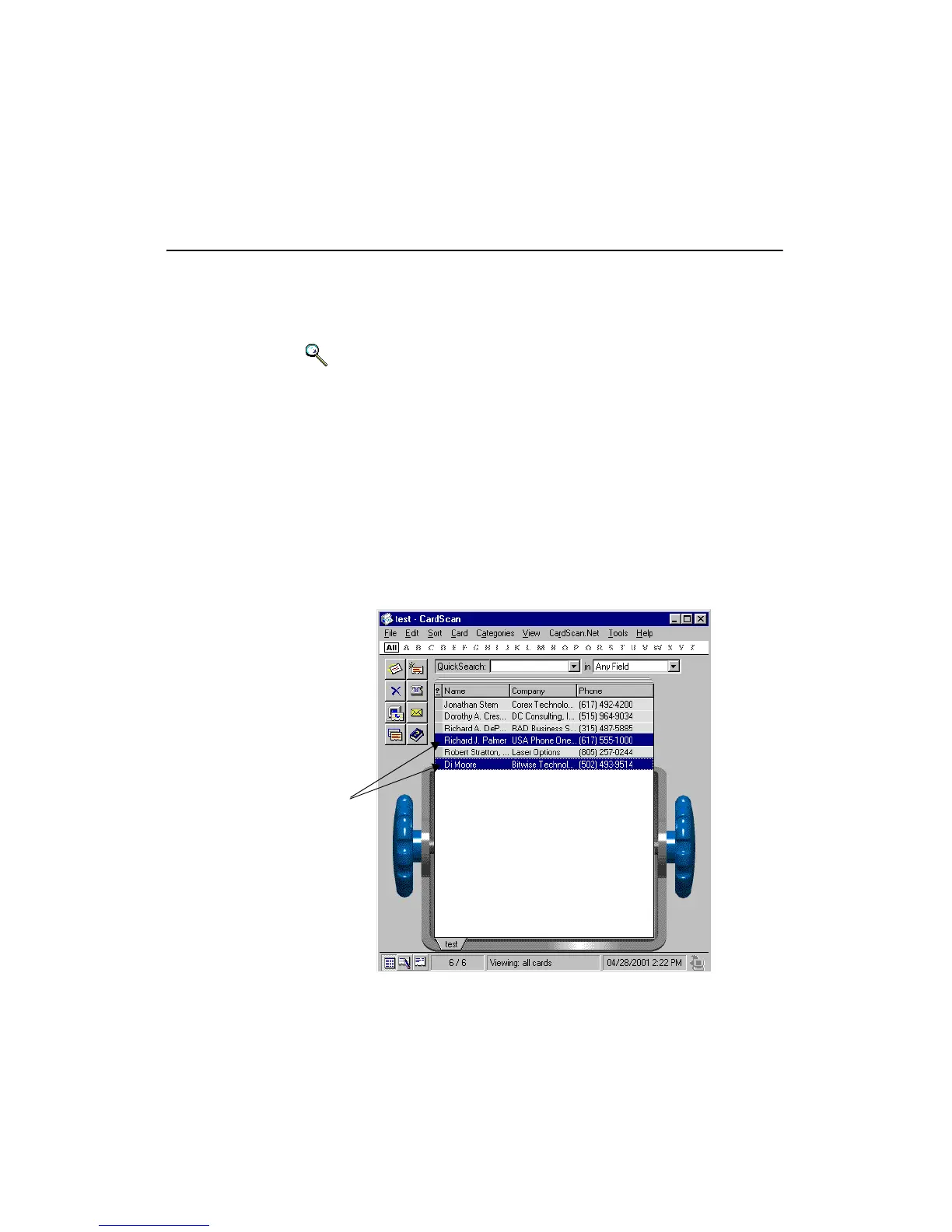
Before using the Print Wizard, choose the contacts to print:
• If you are printing a single contact, display it in Edit or Summary view, or
select it in List view.
• If you are printing several contacts, create a list with QuickSearch (see
“Finding Contacts with QuickSearch” on page 5-2 ) or with categories
(see “Methods to Find Groups of Contacts” on page 5-3 ), or select the
contacts from a file. (Use Ctrl+click to choose more than one contact.)
Selected
contacts



 To Next Page