Reaching Your Contacts From Summary View
CardScan User’s Guide 10-1
Chapter 10 Communicating with Your Contacts
This chapter introduces:
• Reaching your contacts from summary view
• Using Signature Card in your Microsoft Outlook emails
Keywords: “summary view”
Reaching Your Contacts From Summary View
When a contact is displayed in CardScan’s Summary view, just a click of the
mouse will:
• Open a preaddressed email message.
• Dial a phone number.
• Display a MapQuest-generated map of the primary street address.
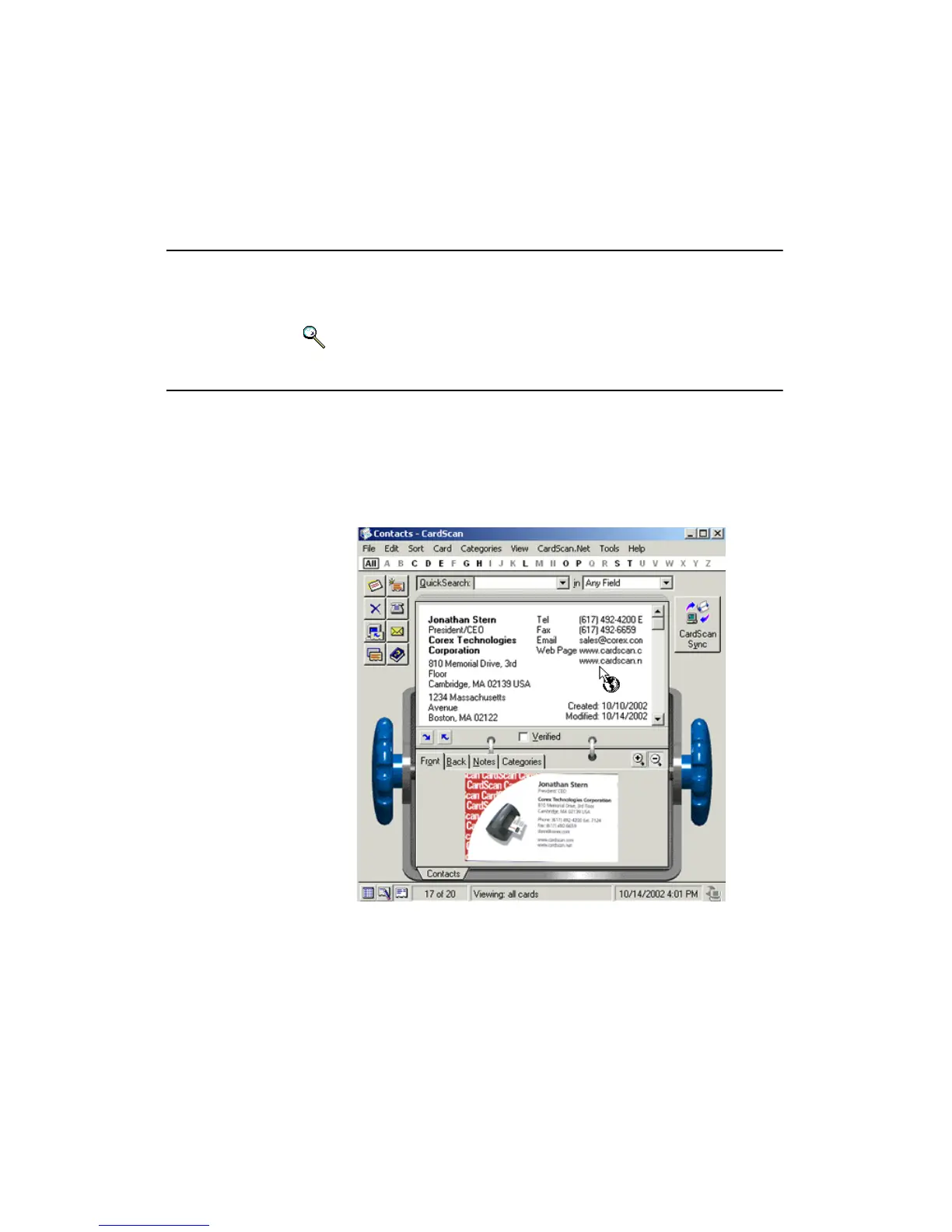
• Launch your browser to a web address (as in the example below).
To do any of the above, point to the address or phone number, and click when
the cursor changes to the symbol of an envelope, telephone, or Web browser.



 To Next Page