Chapter 3 Creating Your Address Book
3-4 Corex Technologies
1
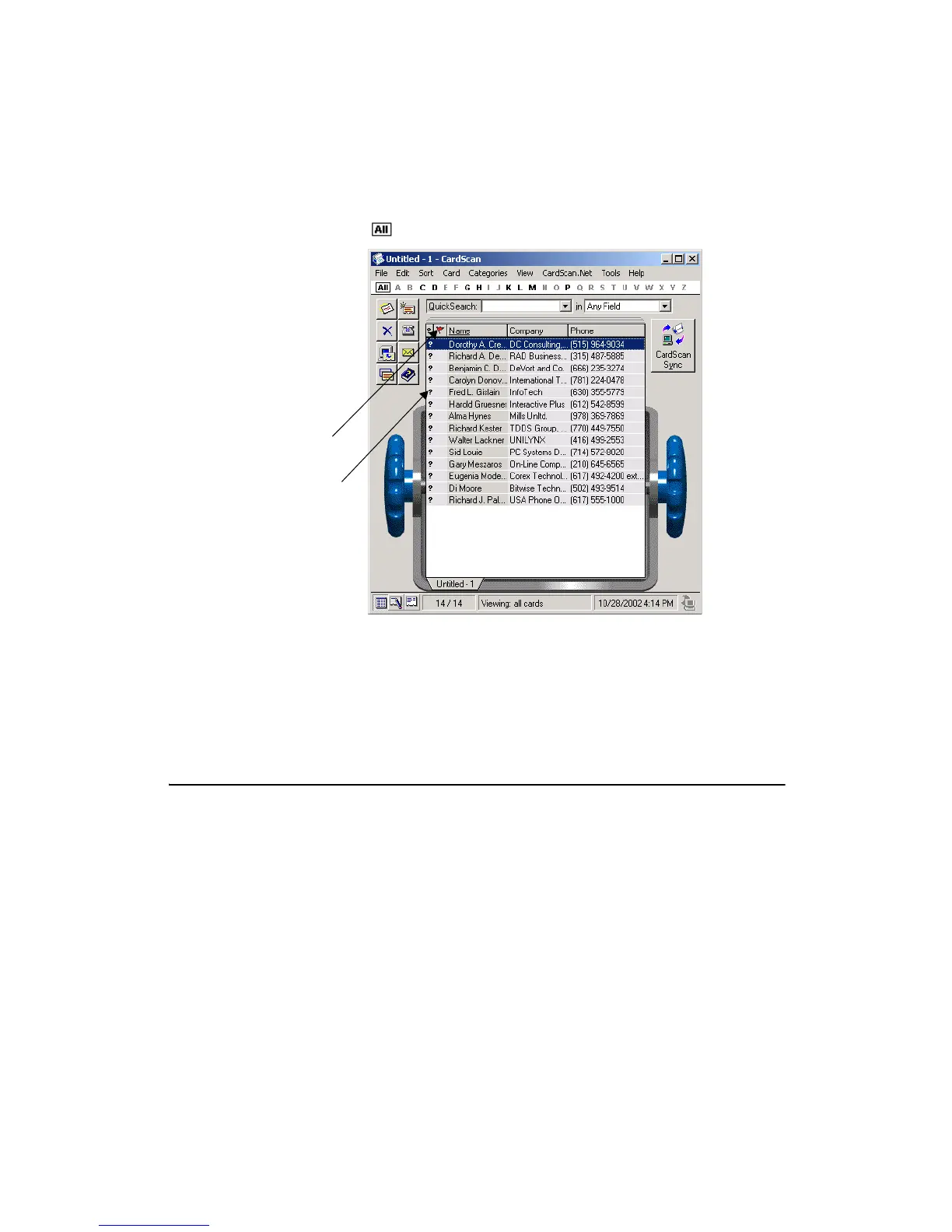
4. Click on the Alphabet Bar to display all contacts in the List view.
Note that all new contacts are marked with ?, indicating that they have not
been verified. The red flag next to the question mark is the AccuCard Service
Updates indicator. For more information on the AccuCard Service, see “About
AccuCard Service Updates” on page 6-6.
Importing Contacts
from Contact Managers and PIMs
You can import contacts into CardScan from any contact manager or PIM that
can export contacts as a text file with the fields delimited by tabs or commas.
To import contacts:
1. Open the file in the source application.
2. Follow the instructions provided with the application to save or export the
information to your hard disk as a text file delimited by tabs or commas.
Unverified
contact
AccuCard
Service
Updates



 To Next Page