Features to Organize Contacts Quickly
CardScan User’s Guide 4-7
Categorizing
Multiple Contacts
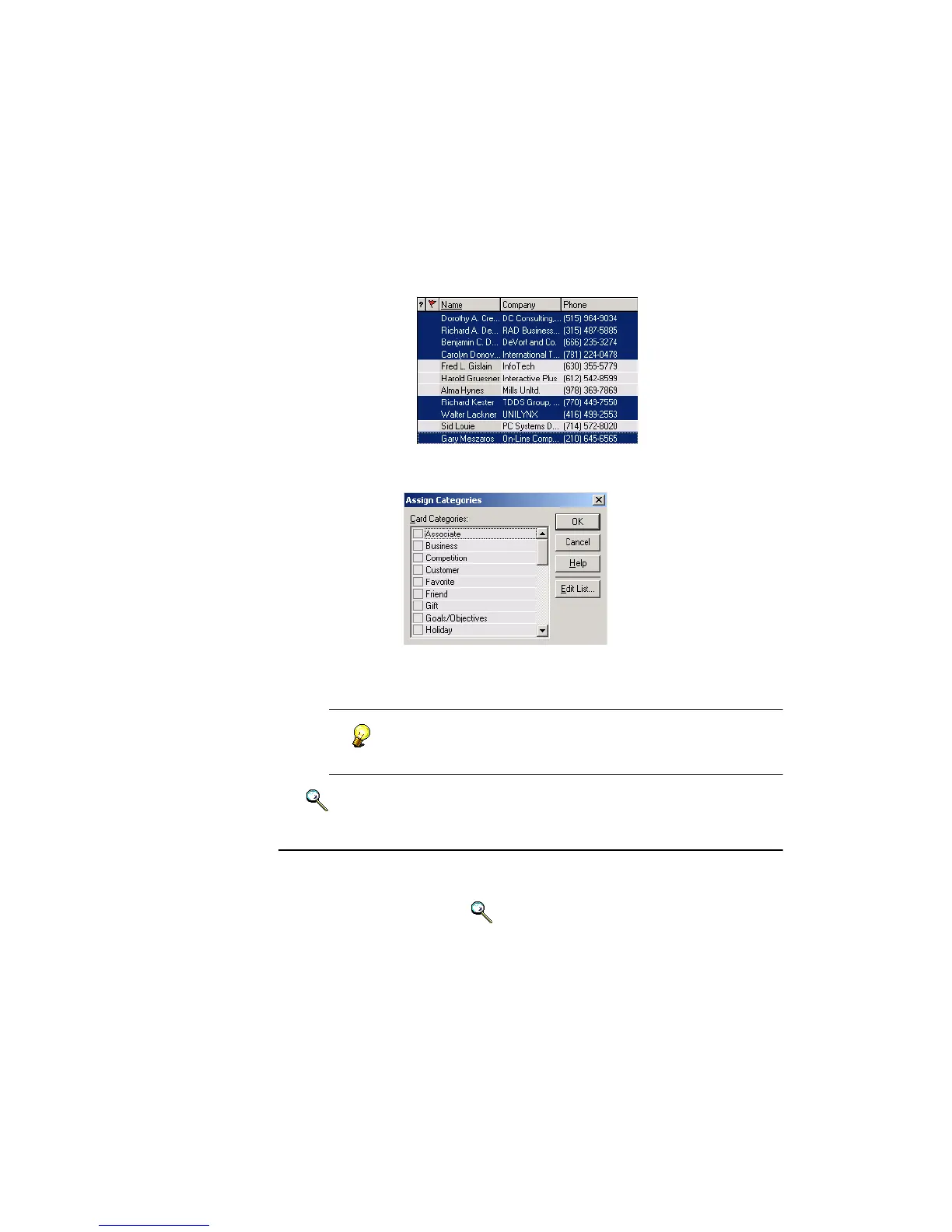
To assign the same category, or categories, to multiple contacts all at once:
1. In List view, select the contacts you want in the same category. Use
Shift+click to select adjacent contacts, Ctrl+click—nonadjacent.
2. Choose Categories→Assign or press Ctrl+R. The Assign Categories
dialog appears.
3. Click boxes for categories to assign and click OK. CardScan assigns
these categories to the selected contacts.
You can verify the results by searching on the assigned
categories. See “Methods to Find Groups of Contacts” on
page 5-3.
Keywords: “categories”.
Adding Notes
Adding Notes to your contacts allows you to store more information in a
contact; it also allows you to find contacts containing the same text in the
Notes, using QuickSearch. Keywords: “notes”.



 To Next Page