Chapter 5 Managing Your CardScan Contacts
5-2 Corex Technologies
1
Sorting Contacts
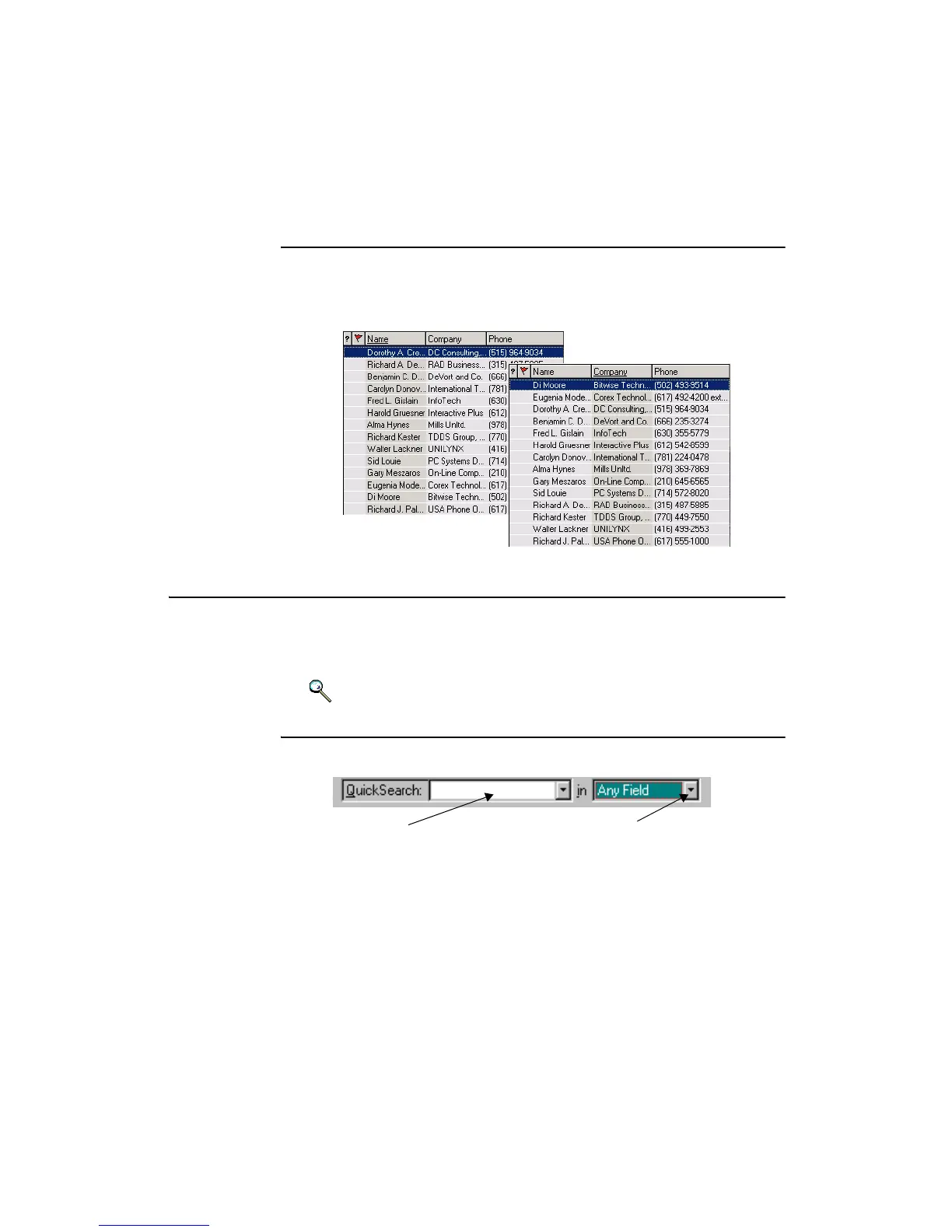
To sort contacts by name or company, or any other field displayed, click the
heading corresponding to the criterion to use. An example below shows the
same file, sorted by Name and by Company.
Finding Contacts
CardScan helps you find contacts quickly. This section introduces:
• Finding Contacts with QuickSearch
• Simple methods to Find Groups of Contacts
Keywords: “Finding”, “QuickSearch”
Finding Contacts with QuickSearch
QuickSearch has two components in CardScan’s user interface:
• The QuickSearch box allows you to find contacts by typing any text
included in the contact. If contacts are displayed in List view, you can
start typing anywhere; the search text will appear in the QuickSearch
box.
Search text is saved in the QuickSearch dropdown list. To use it again,
select it from the list.
QuickSearch Box
Fields Dropdown List



 To Next Page