CardScan Synchronization
CardScan User’s Guide 7-3
You must configure the CardScan Synchronization to synchronize contacts
with a specific application.
• You can configure CardScan Synchronization only with an existing
CardScan file. If you do not have a CardScan file, create one by scanning
a card and saving the file with a name you will use for synchronization.
• Use the same CardScan file for all subsequent synchronizations with the
same application.
To configure the CardScan Synchronization:
1. Choose File→CardScan Synchronization. The Data Exchange Wizard
appears.
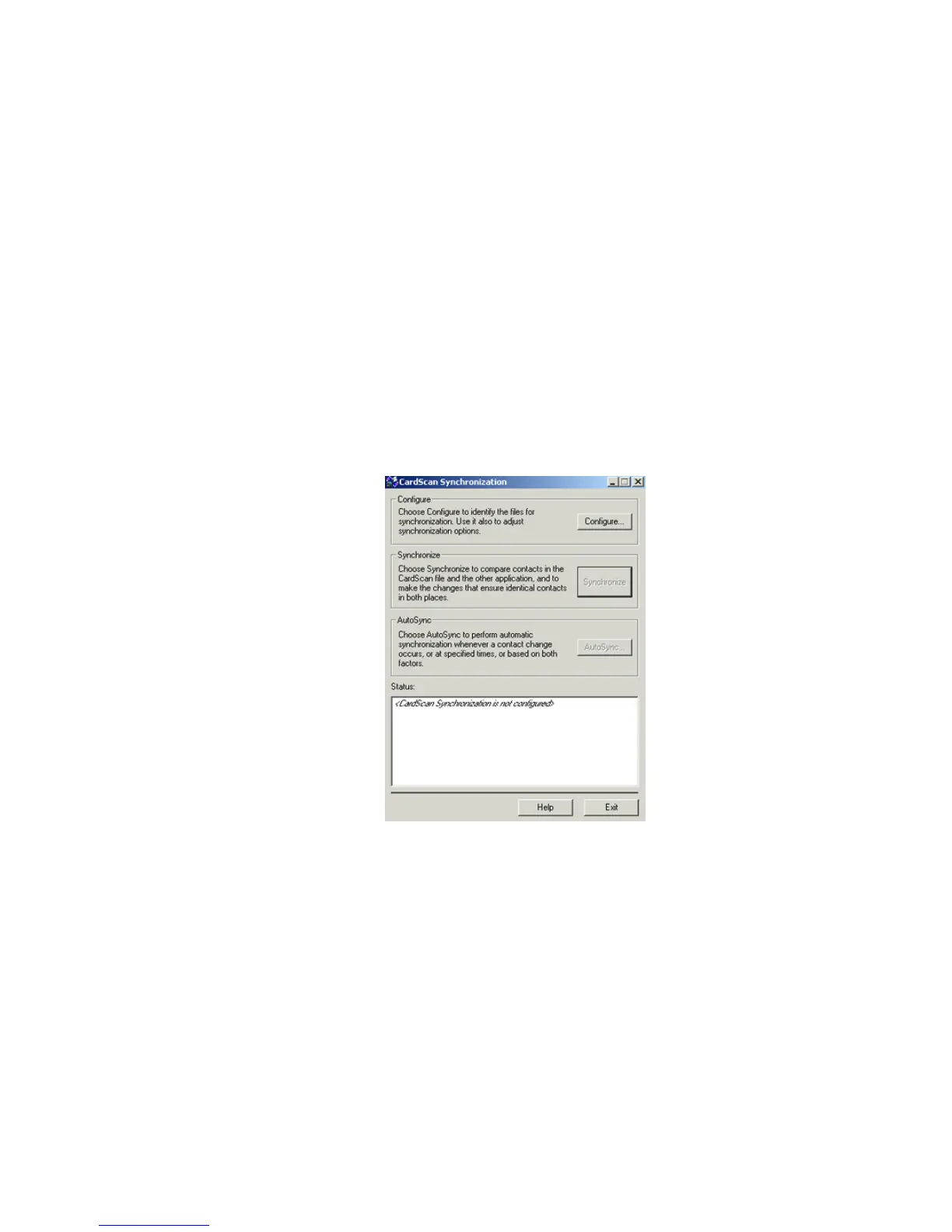
2. Select the option for CardScan Synchronization, and click OK. The
CardScan Synchronization dialog appears:
3. Click Configure, and refer to the Online Help for instructions specific to
each supported contact manager or PIM.



 To Next Page