Basic Operating Tasks
2–8 AA2204_en | 2012-07-27
Film Size/Type Flashes
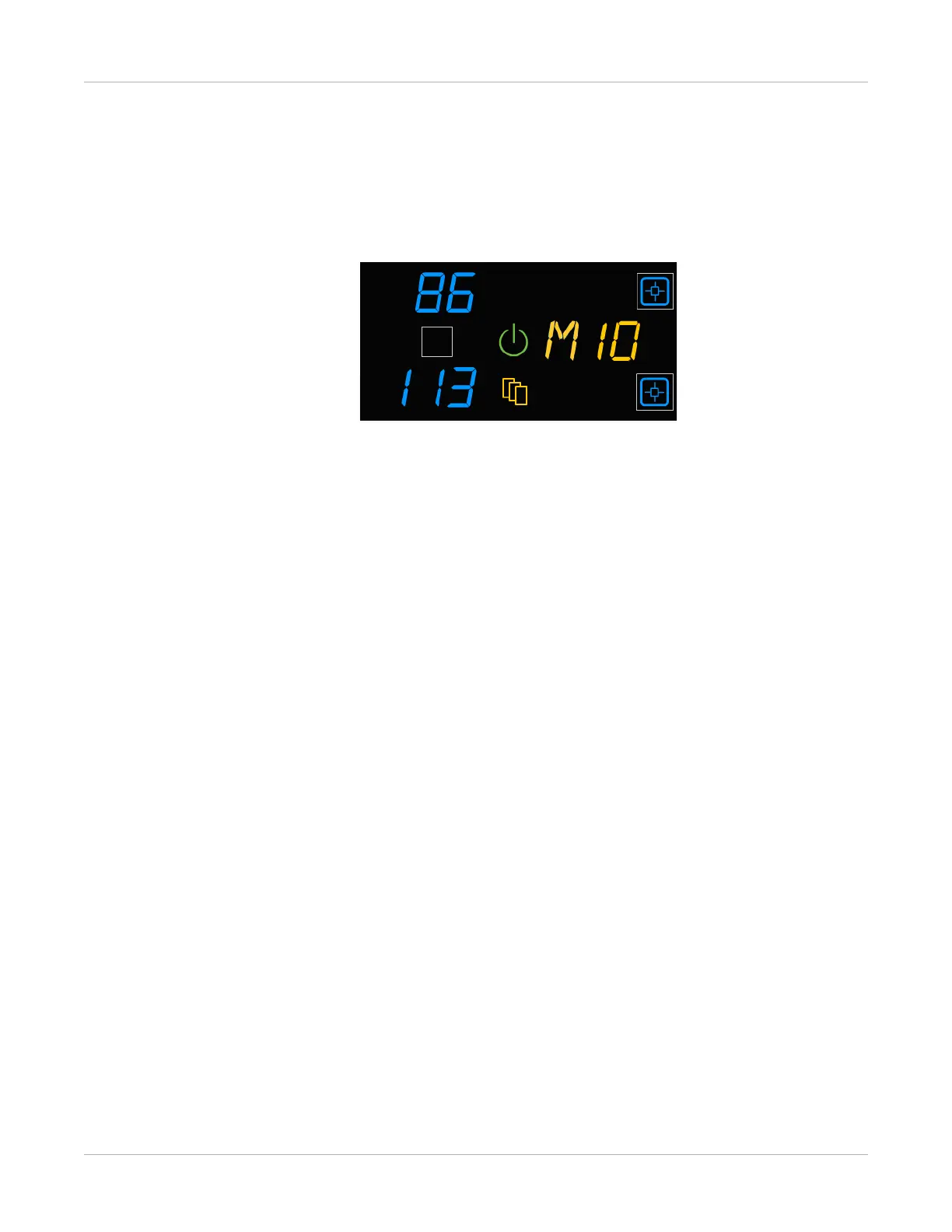
When a film size/type is requested that is not loaded, the Film Size symbol appears, and
the requested film flashes. Change the loaded film to match the print request.
Figure 7: View and load the requested film size/type in the error code location (amber text). In
this example, “M” represents a request for mammography film.
Related topics
Replace an Empty Film Cartridge
Load a Different Film Size to Match a Print Request



 To Next Page