Maintenance and Troubleshooting
3–8 AA2204_en | 2012-07-27
Recognize and Handle a Film Jam
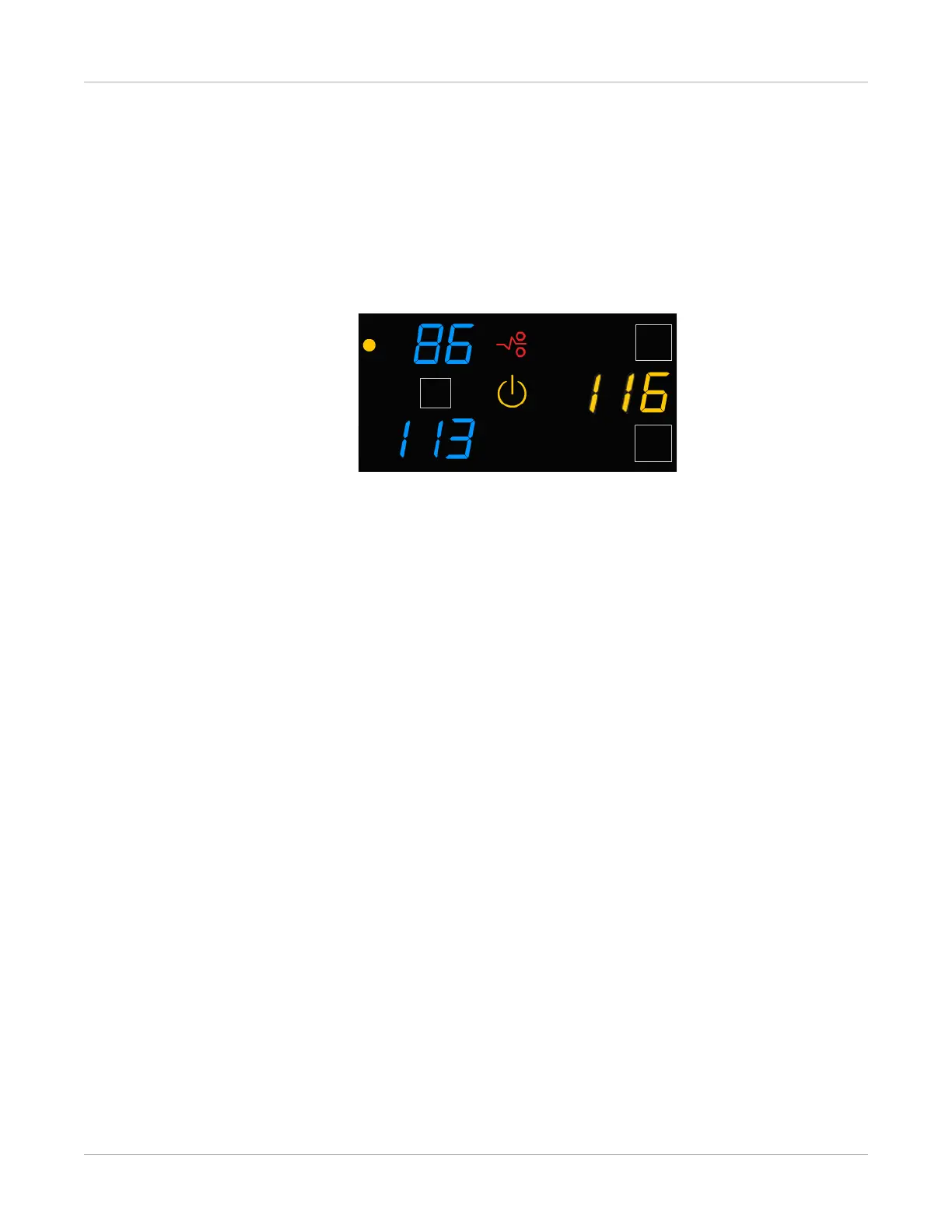
When the Film Jam symbol appears, you must clear the jam before the imager can
continue to print. After the jam has been cleared, the imager will reprint the image on a
new sheet of film.
Figure 3: In this example, the red jam symbol alerts you to the jam, and the amber indicator
light shows you that the jam is related to the upper film cartridge. The error code also indicates a
film jam.
Related topics
Film Jam Indication and Areas



 To Next Page