Basic Operating Tasks
AA2204_en | 2012-07-27 2–13
Make a Test Print
Make a test print to verify that you can print. The type of test print varies depending on
whether you have clear/blue or mammography film loaded.
There are several options for mammography calibration prints; the default is configured
during installation. If you need a different type of test print for mammography film, you
can change the default at the Web Portal.
SMPTE Image Prints
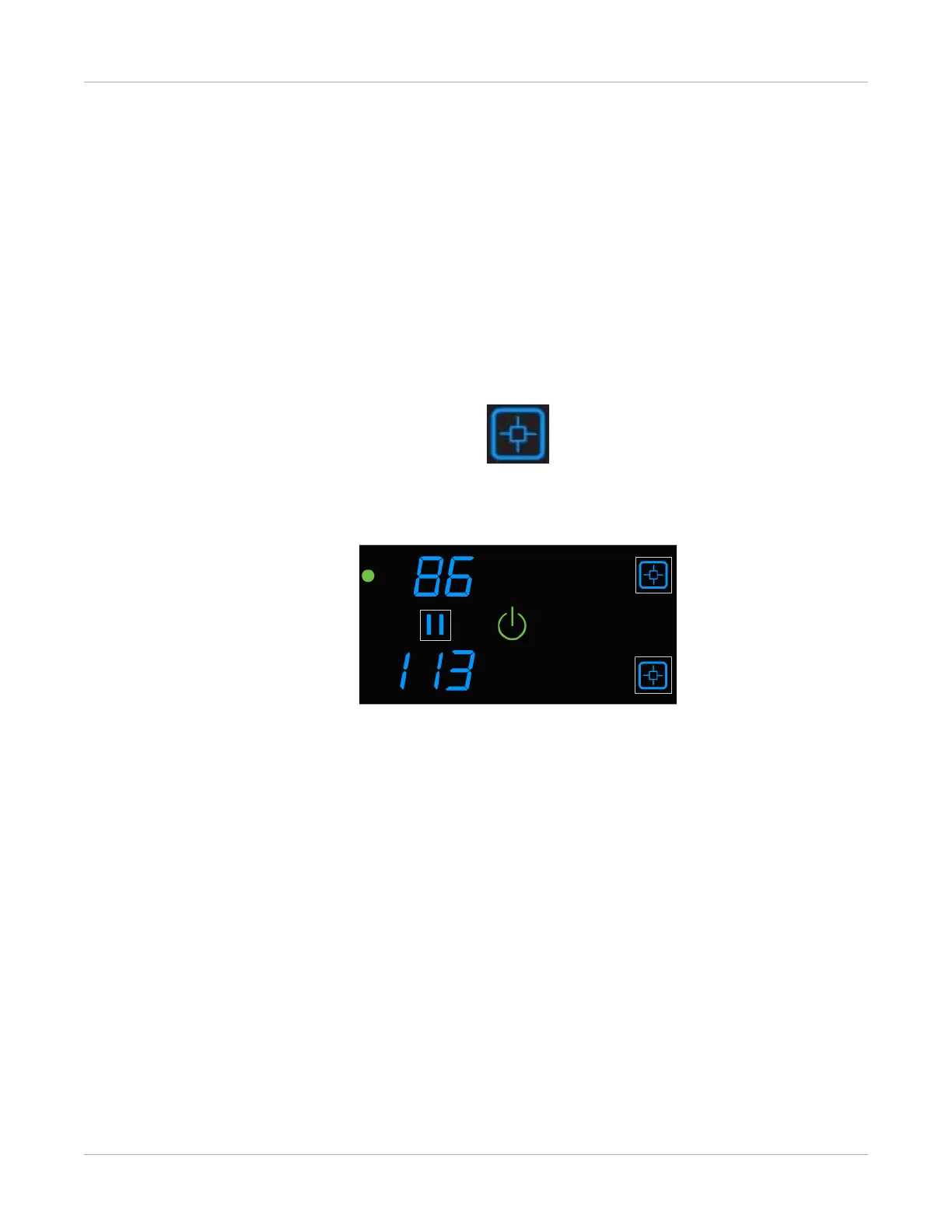
1. Press and hold the Calibrate symbol for the film cartridge (upper or lower) for three
seconds.
Figure 10: In this example, the imager is printing a test image from the upper cartridge. The
Calibration and Power symbols both flash while the test print is in progress.
2. When the symbols stop flashing, the test print is complete.



 To Next Page