Basic Operating Tasks
AA2204_en | 2012-07-27 2–15
Open or Remove a Cover
You can open or remove the imager’s top cover, left cover, and film supply. The covers
are protected with an interlock mechanism to keep the imager from printing when they
are open, to keep you safe.
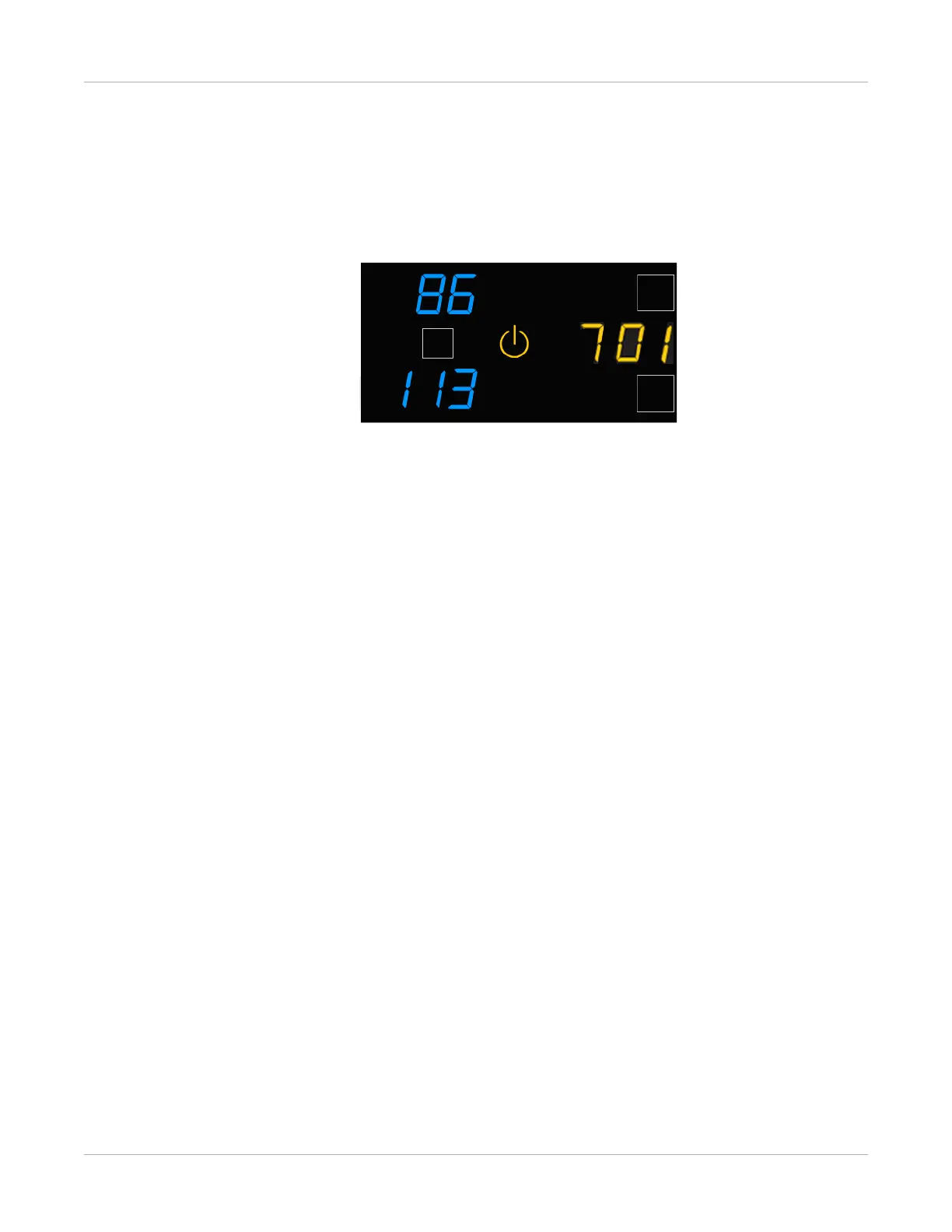
Code 701 alerts you that a cover and an interlock are open, and internal power to the
imager is turned off.
You might remove the top cover or left cover to search for film jams.
Related topics
Recognize and Handle a Film Jam



 To Next Page