Basic Operating Tasks
AA2204_en | 2012-07-27 2–7
View the Film Cartridge Information
Film Count
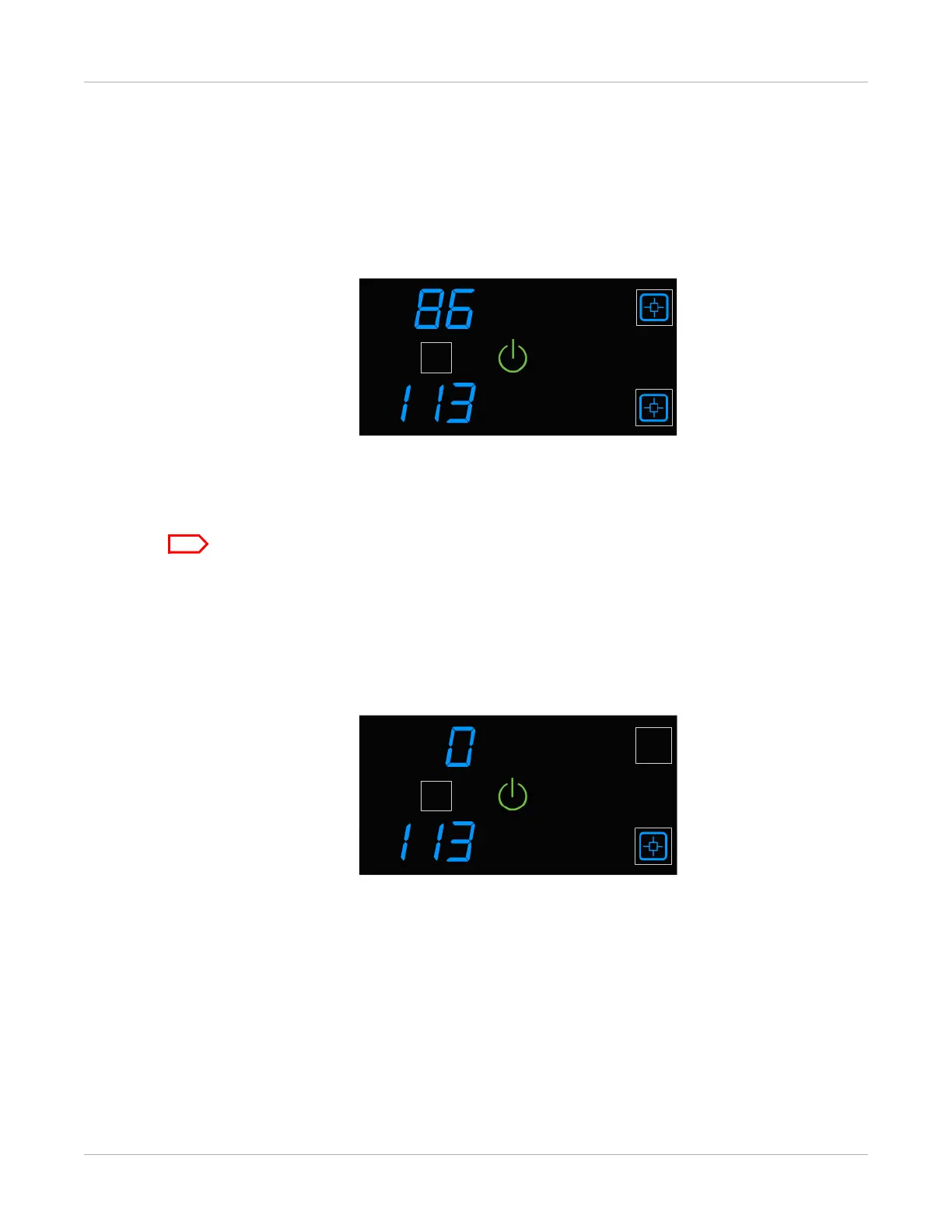
The upper and lower film counts appear on the display screen.
Figure 5: In this example, the upper cartridge has 86 sheets of film, and the lower has 113.
Size/Type of the Loaded Film
To check the size of the loaded film, open the film supply and view the loaded cartridges.
Make sure the Pause symbol is off before you open the film supply.
Film Count Flashes “0”
When either cartridge is empty, the film count flashes “0.” Replace the cartridge.
Figure 6: In this example, the upper film cartridge is empty. Replace the upper cartridge.



 To Next Page