Overview
1–4 AA2204_en | 2012-07-27
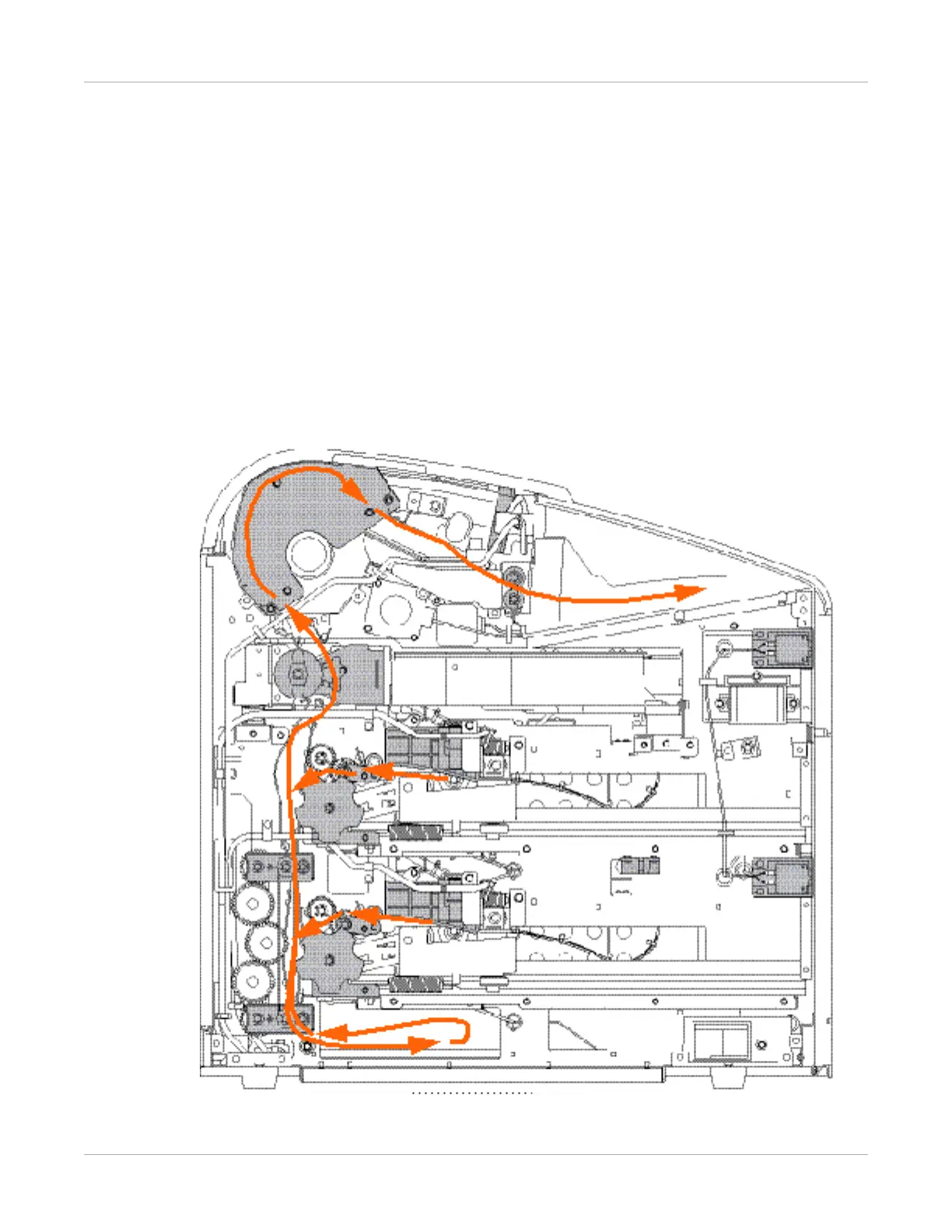
How the Imager Works
The imager receives, processes, manages, and prints the images on film. The imager has
limited storage to hold a small number of digital images. As images are received for
printing, they are stored in memory, placed in a sequential print queue, and printed in
order. The imager can continue to accept incoming print jobs even if temporarily unable
to print (if the film supply is empty, etc.).
During normal operation, the imager requires very little attention. It prints automatically
in response to print requests from the configured image sources. Information sent with
the images by the image source, such as film type and size and image quality settings, is
applied unless you set the imager to override information that comes from the image
source.
Print Sequence



 To Next Page