Maintenance and Troubleshooting
AA2204_en | 2012-07-27 3–5
3. Install a new filter.
4. Re-install the filter cover.
5. To reset the imager for the new filter and to clear the Maintenance symbol, press and
then release the Maintenance and Calibrate symbols at the same time.
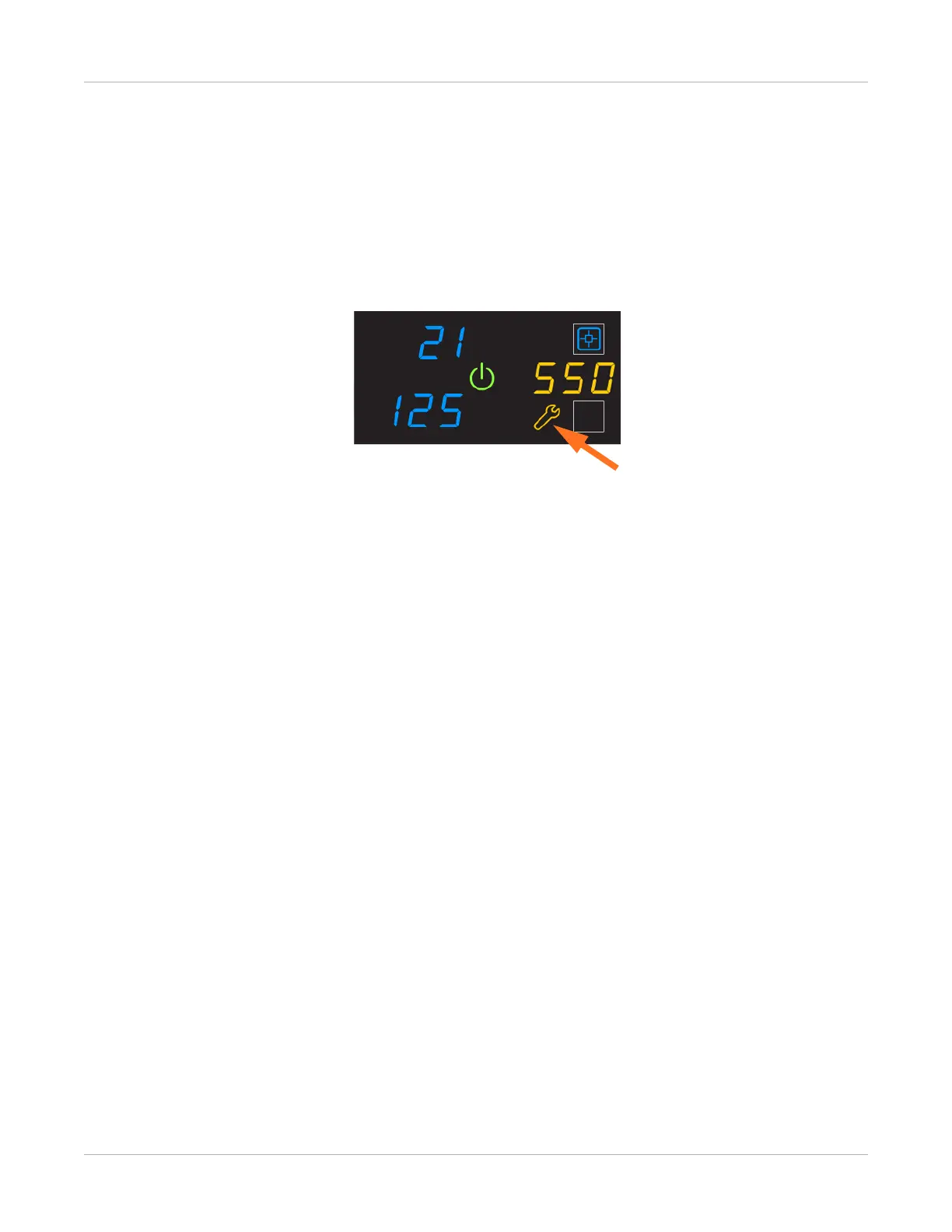
550 Code and Maintenance Symbol
If the imager needs a preventive maintenance service call, the 550 code and Maintenance
symbol appear:
When the 550 code displays, contact a qualified service provider.



 To Next Page