Basic Operating Tasks
2–14 AA2204_en | 2012-07-27
Mammography Test Prints
There are several options for mammography calibration prints, for example, QC wedges,
multipurpose QC, TG18-PQC or QC, TG18-UN10 or 80, or TG18-UNL10 or 80. The default
is configured during installation, and you can change it any time from the Web Portal.
Press and hold the Calibrate symbol for the film cartridge (upper or lower, where the
mammography film is loaded) for three seconds.
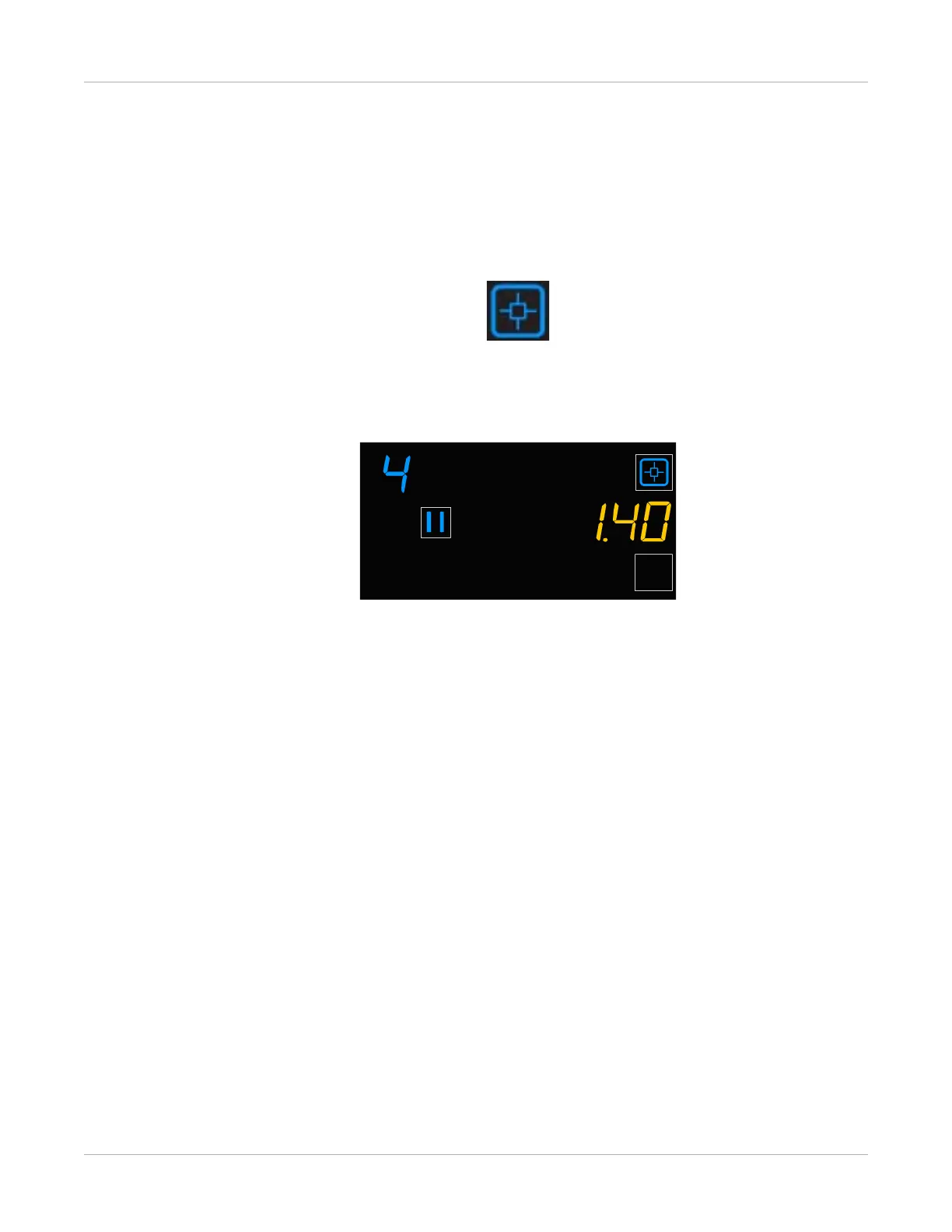
Figure 11: In this example, the imager is printing a QC step wedge test. The density value
identifier displays at the upper left (1–4), and the density displays on the right side (1.40 in this
example).
Related topics
Access the Web Portal



 To Next Page