Maintenance and Troubleshooting
AA2204_en | 2012-07-27 3–7
Handle a Required Restart
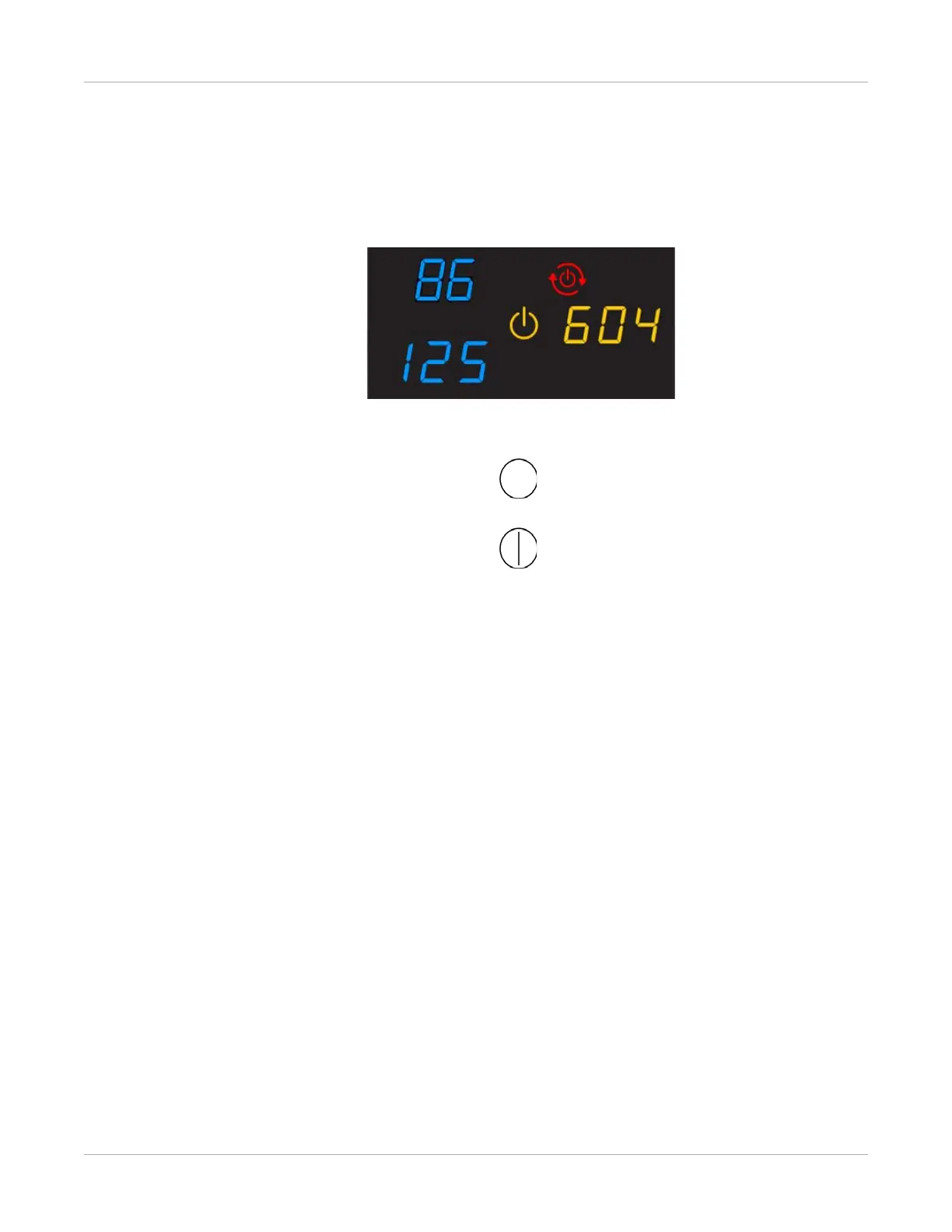
When the Restart symbol appears, you must restart the imager.
Figure 2: The amber Power symbol, together with the Restart symbol, indicates that you must
restart the imager to continue printing.
1. Press the power switch on the back of the imager off.
2. Press the power switch on.
If the error does not clear after the restart, it might be necessary to contact a qualified
service provider.
Related topics
Restart the Imager



 To Next Page