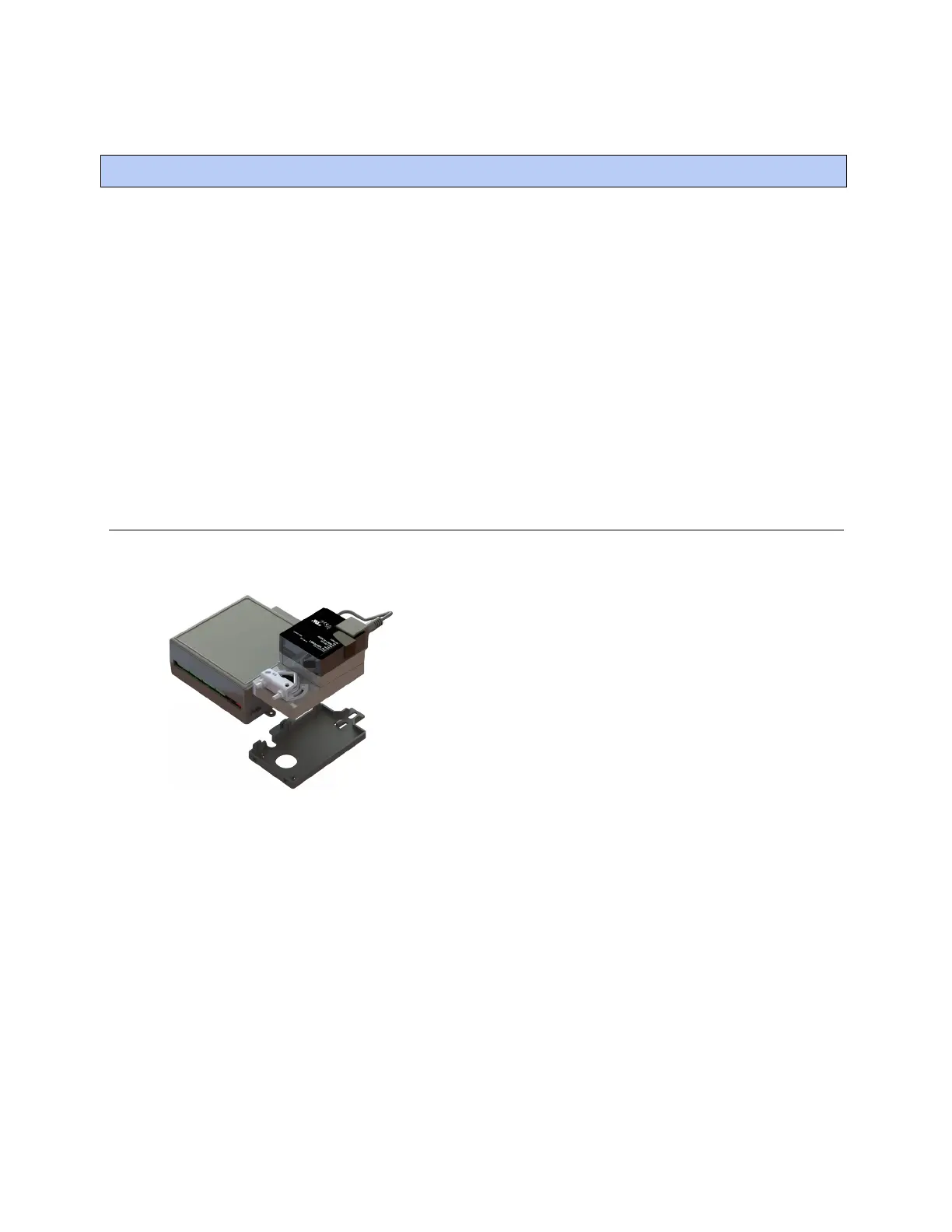
Installing the Zone Ctrl II
Zone Ctrl II and
VAV Zone II Secondary Duct Installation and Start-up Guide CARRIER CORPORATION ©2019
Error! No text of specified style in document.
6 All rights reserved
1 Mount the controller (page 6).
2 Wire the controller for power (page 10).
3 Set the controller's address (page 12).
4 Wire the controller to the BACnet MS/TP or BACnet ARC156 network (page 15).
5 Wire inputs and outputs. (page 16)
6 Wire devices to the controller's Rnet port (page 19).
For details on installing a secondary terminal, see Using a VAV Zone II Secondary Duct for a dual duct system
(page 25).
To mount the Zone Ctrl II
To disconnect and mount the controller and actuator separately
Installing the Zone Ctrl II










 To Next Page