Installing the Zone Ctrl II
Zone Ctrl II and
VAV Zone II Secondary Duct Installation and Start-up Guide CARRIER CORPORATION ©2019
Error! No text of specified style in document.
10 All rights reserved
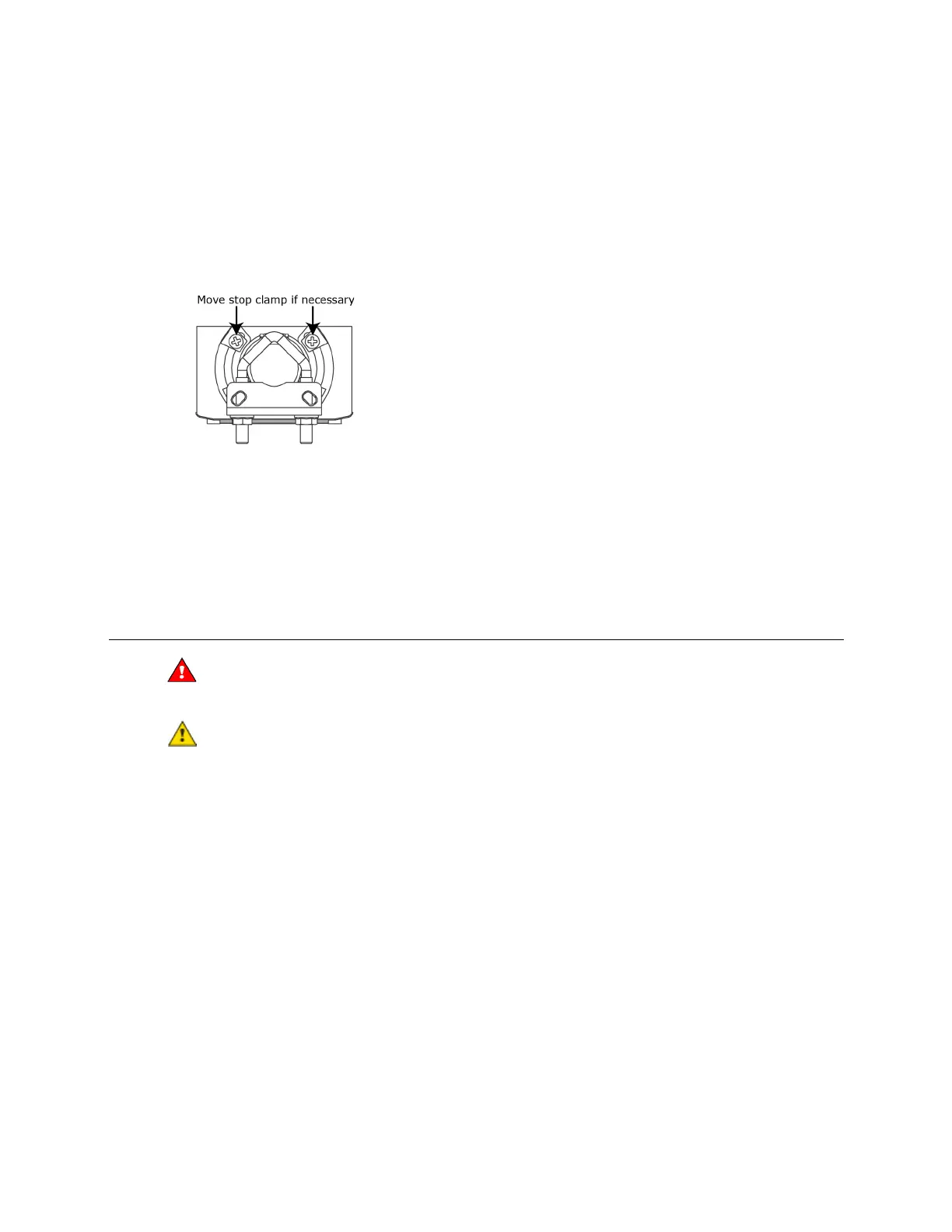
6 Hold down the actuator release button and rotate the damper from fully closed to fully open. If the damper
traveled less than 90 degrees, do the following to prevent the damper opening past fully open:
a) Loosen the appropriate stop clamp screw.
b) Move the stop clamp until it contacts the
edge of the actuator cam.
c) Tighten the screw.
7 Hold down the actuator release button, rotate the damper to verify that it opens and closes, then release the
button.
Wiring the Zone Ctrl II for power
Do not apply line voltage (mains voltage) to the controller's ports and terminals.
• The Zone Ctrl II is powered by a Class 2 power source. Take appropriate isolation measures when mounting it
in a control panel where non-Class 2 circuits are present.
• Carrier controllers can share a power supply as long as you:
• Maintain the same polarity.
• Use the power supply only for Carrier controllers.










 To Next Page