Installing the Zone Ctrl II
Zone Ctrl II and
VAV Zone II Secondary Duct Installation and Start-up Guide CARRIER CORPORATION ©2019
Error! No text of specified style in document.
8 All rights reserved
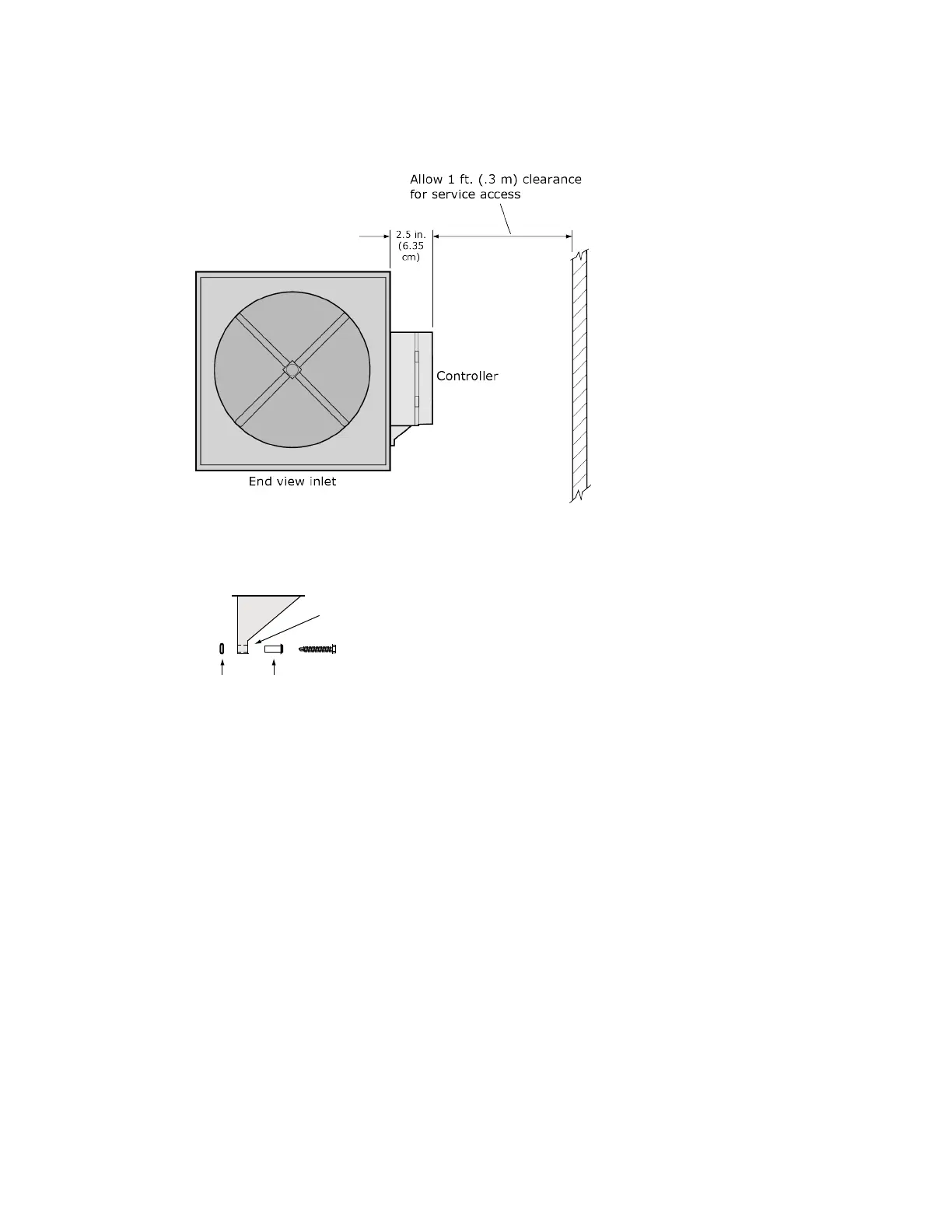
For service access, allow at least 1 foot (.3 m) of clearance between the front of the controller and
adjacent surfaces.
2 Secure the controller and the actuator by installing the screws, anti-rotation slot's bushings, and o-rings that
are supplied with the Zone Ctrl II.
O-ring Bushing
Anti-rotation slot
○ Center the bushing in the slot. Failure to do so may cause the actuator to stick or bind.
○ The Zone Ctrl II must be secured, but loose enough to allow movement. of the damper shaft.










 To Next Page