DISTRIBUTION SYSTEMS - PRIMARY HYDRAULIC POWER SYSTEM
Oil filter - Remove (A.10.A.24 - F.10.A.10)
435, 445, 445CT
1. Place a shop towel under the oil filter.
2. Remove the cap
from the hydraulic reservoir.
3. Reservoir - Apply vacuum (A.10.A.22 - F.35.A.50)
Connect a vacuum pump to the reservoir.
4. Start the vacuum pump.
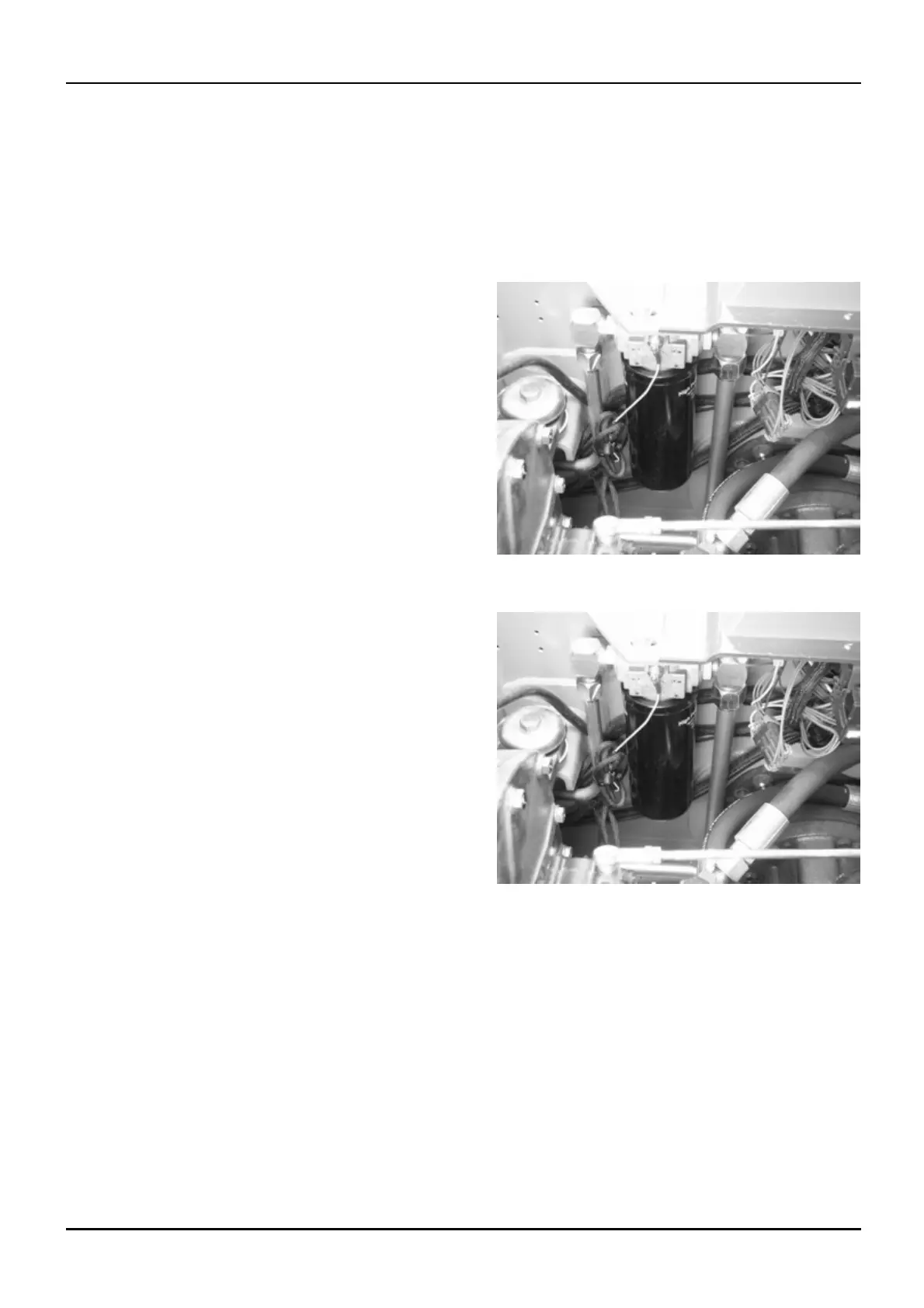
5. Tag and disconnect all the hydraulic lines to the oil
filter base. Install plugs in the fittings. Loosen and
remove the wire from the electrical connector.
BD04C143 1
6. Stop the vacuum pump.
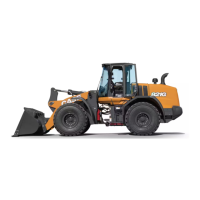
7. Loosen and remove the mounting bolts an d washers
from t
he oil filter head mounting bracket.
BD04C143 2
8. Remove the oil filter head from the mounting
bracket.
9. Oil fi lter - Visual inspection (A.10.A.24 -
F.40.A .10)
1 04/05/2005
A.10.A / 55


 To Next Page