6-MAINTENANCE
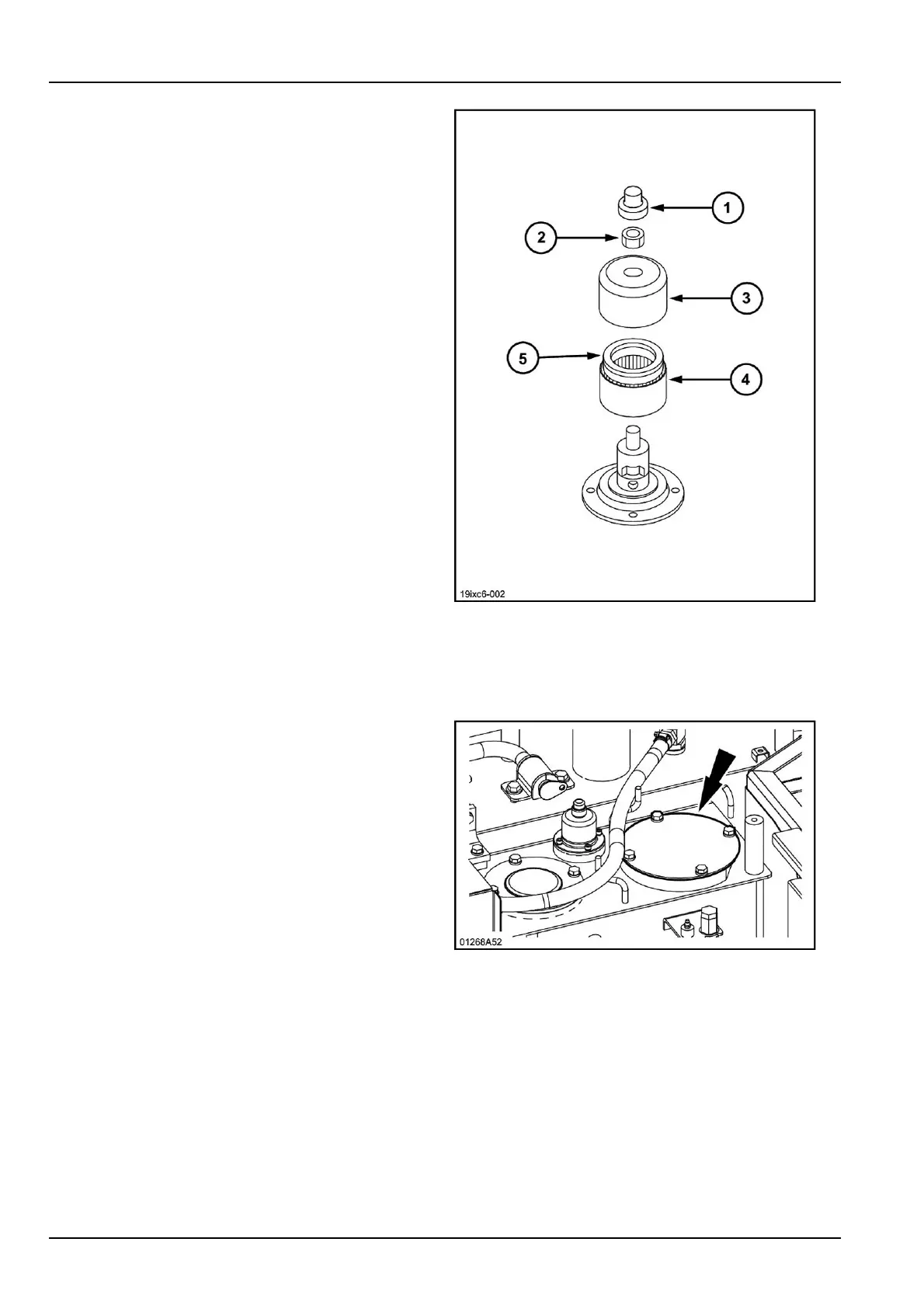
2.Removethenut(2)andthecover(3)fromthe
breather.
3.Removeanddiscardtheusedlterelement(4).
4.Installanewelement(4),makingsuretheseal(5)is
facingupwards.
5.Installthecover(3)aswellasthenut(2).
19IXC6-00211
Replacingthehydraulicuid
1.Releaseallpressureinthehydraulicreservoir.Refer
topage6-37.
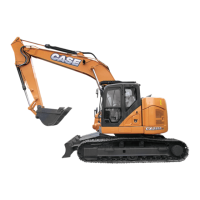
2.Removethereservoircoverplate.
3.Usingapump,removetheuidfromthehydraulic
reservoir.Haveacontainerwithasuitablecapacity
ready.
01268A5212
6-44



 To Next Page