6-MAINTENANCE
Replacingatoothonabackhoebucket
Removal
1.Placethebucketafewcentimetresabovetheground.
Stoptheengineandremovetheignitionkey.
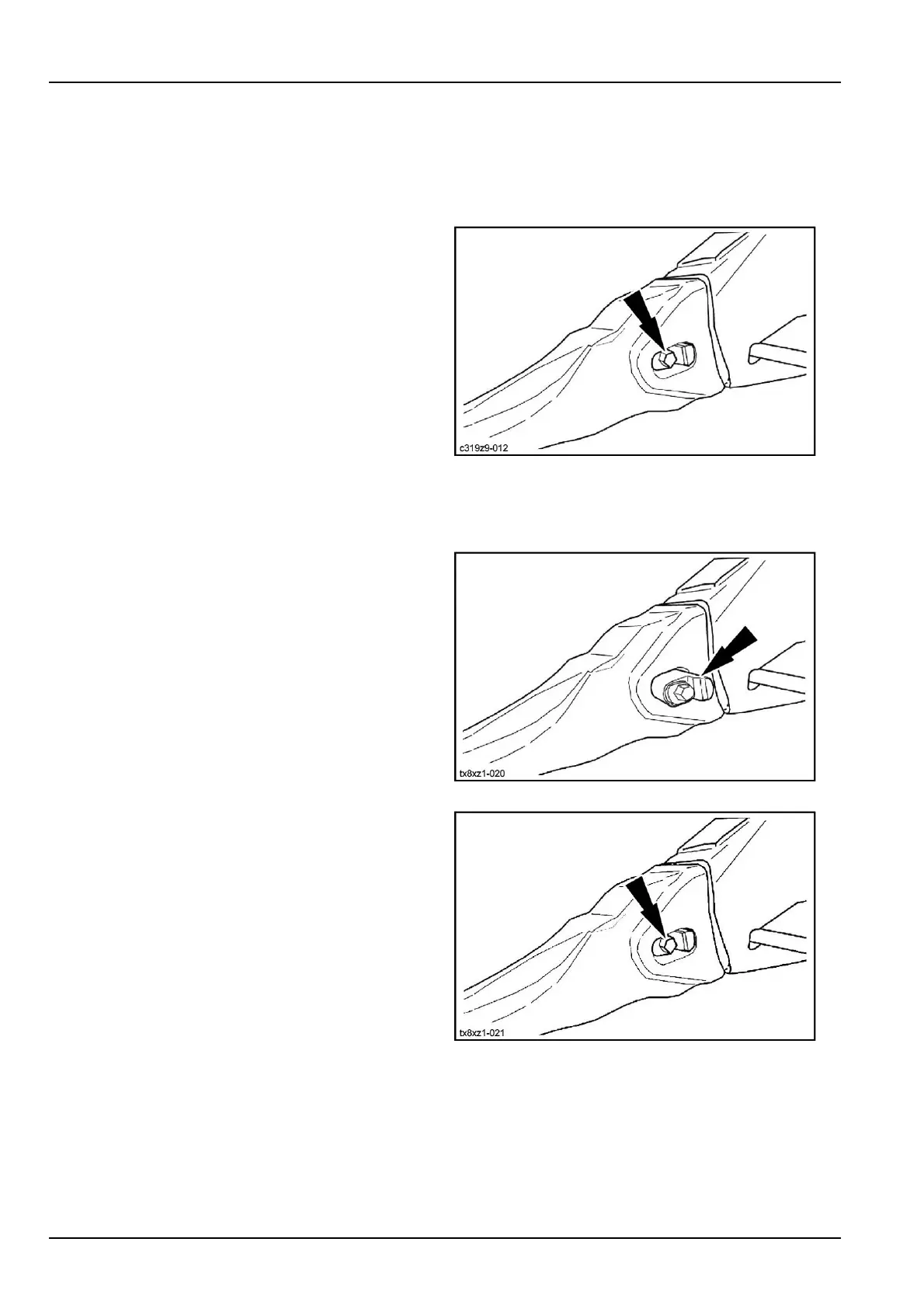
2.Turnthelockingstud90°intheclockwisedirection
usingahexagonalwrench.
3.Removethelockingpinthenremovetheworntooth
tip.
C319Z9-0121
Installation
1.Cleanthematingsurfaceontheadaptor.
2.Engageanewtoothtiprightuptothestopandholdit
inposition.
3.Engagethelockingpinuntilitisushwiththetoothtip.
TX8XZ1-0202
4.Turnthelockingstud90°intheanti-clockwisedirec-
tionusingahexagonalwrench.
NOTE:Whenreplacingatoothtip,itisadvisabletore-
placethelockingpinatthesametime.
TX8XZ1-0213
6-68



 To Next Page