6-MAINTENANCE
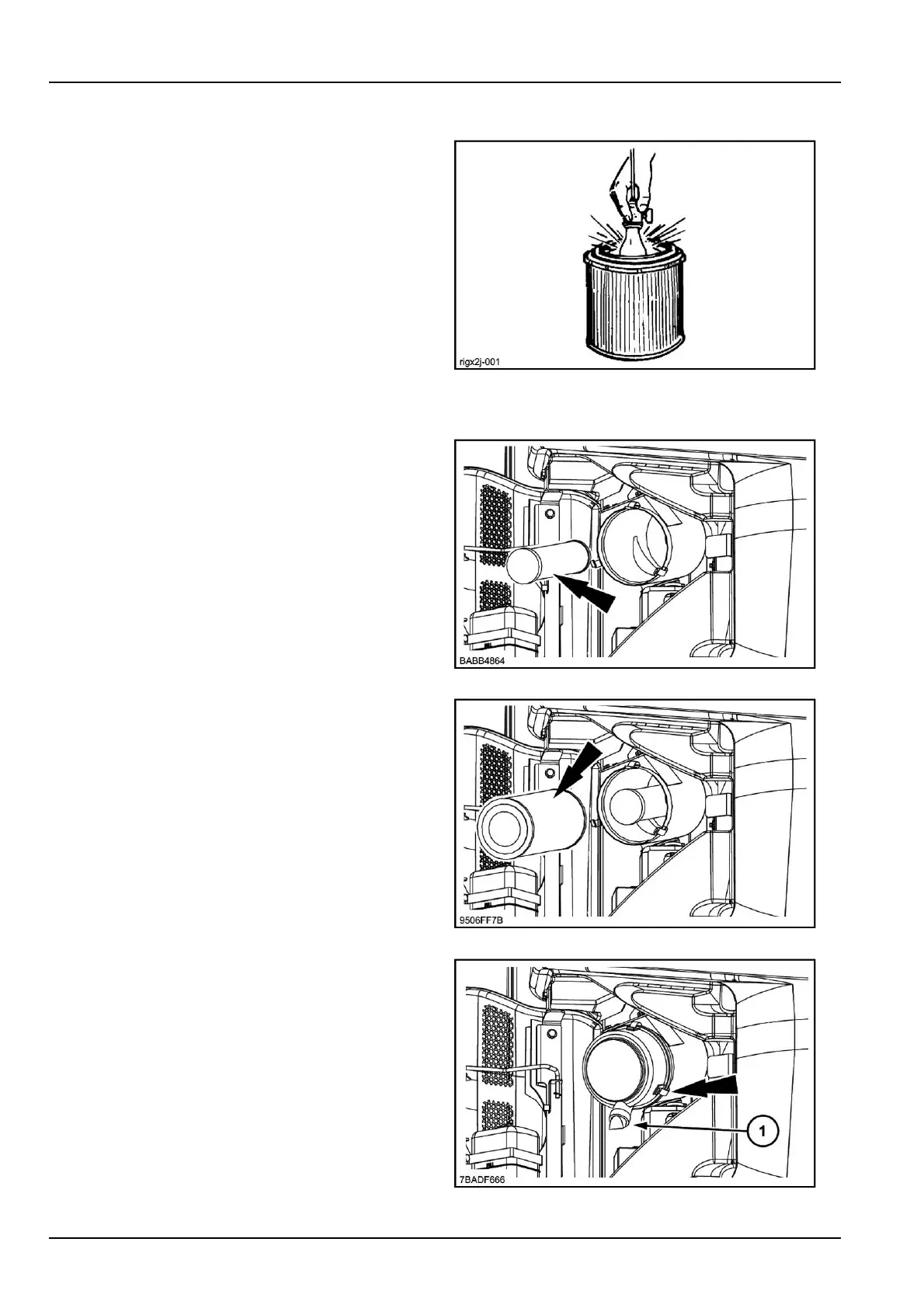
Inspectingtheelement
Checktheelementfordamagebyplacinganinspection
lampinsidetheelement.
ATTENTION:Changetheelementiflightcanbeseen
throughahole,howeversmall.
RIGX2J-0016
Installingtheelements
1.Installthesecondaryelement.
BABB48647
2.Installtheprimaryelement.
9506FF7B8
3.Installthecover(withtheword“Top”atthetop)and
closethefasteners.
4.Checkthatthedustejector(1)underthelteriswork-
ingcorrectly.
ATTENTION:Ifexhaustsmokeisabnormalafterclean-
ing,theairlterprimaryelementmustbechanged.
7BADF6669
6-50



 To Next Page