E-98
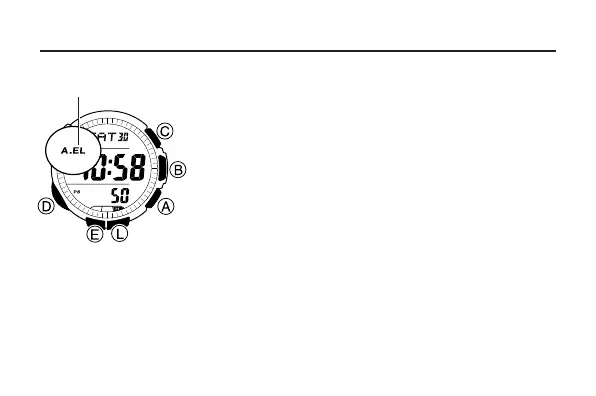
Illumination
The display of the watch is illuminated using an
EL (electro-luminescent) panel for easy reading
in the dark. The watch’s auto light switch turns on
illumination automatically when you angle the
watch towards your face.
• The auto light switch must be turned on
(indicated by the auto light switch on indicator)
for it to operate.
• See “Illumination Precautions” (page E-134) for
other important information about using
illumination.
To turn on illumination manually
Press L in any mode to illuminate the display for about one second.
• The above operation turns on illumination regardless of the current auto
light switch setting.
Auto light switch
on indicator



 To Next Page