E-86
REC
(
40
)
REC
(
2
)
REC
(
1
)
MAX
MIN
ASC
DSC
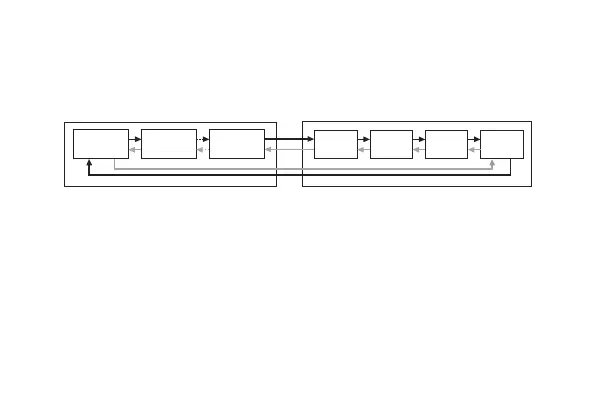
To view periodic records and current session record contents
1. Enter the Data Recall Mode (page E-10).
2. Use A and C to scroll through the data and display the one you want.
• To view the current session record contents, use A to scroll forward
past the last periodic record (which will display the current session
record MAX screen), or C to scroll back past the first periodic record
(to the DSC screen).
3. After you are finished viewing data, press D to exit the Data Recall Mode.
• Dashes (xxxx) will be displayed if data has been deleted or if there is no
corresponding data due to error, etc. In such cases, total ascent (ASC)
and total descent (DSC) values will show zero.
Periodic
records
A
C
Current session
record



 To Next Page