E-67
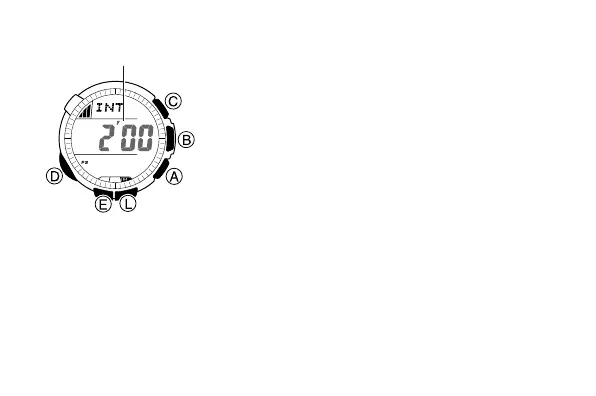
To select the altitude measurement type
1. In the Altimeter Mode, hold down E for about
two seconds until either OFF or the current
reference altitude value starts to flash. This is
the setting screen.
2. Press D to display the current altitude
measurement type setting.
• This will cause either 0'05 or 2'00 to flash
on the display.
3. Press A to toggle the altitude measurement
type setting between 0'05 and 2'00.
• 0'05: Readings at five-second intervals for
one hour
• 2'00: Readings at five-second intervals for
the first three minutes followed by two-
minute intervals for approximately nine
or 10 hours thereafter
4. Press E to exit the setting screen.
l
l
l
l
l
l
l
l
l
l
l
l
l
l
l
l
l
l
l
l
l
l
l
Altitude measurement type



 To Next Page