E-81
To use altitude differential measurement
1. In the Altimeter Mode, check to make sure
that the display shows the altitude differential
value.
• If the altitude differential value is not
displayed, use the procedure under “To
select an Altimeter Mode display format”
(page E-68) to select display format 3 or 4.
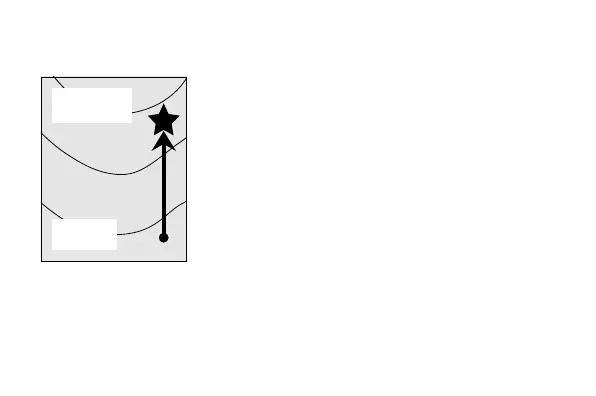
2. Use the contour lines on your map to
determine the difference in altitude between
your current location and your destination.
3. In the Altimeter Mode, press E to take an
altitude reading.
• This causes the altitude differential value to
appear at the top of the display.
Current
location
Destination
altitude



 To Next Page