E-96
To set an alarm time
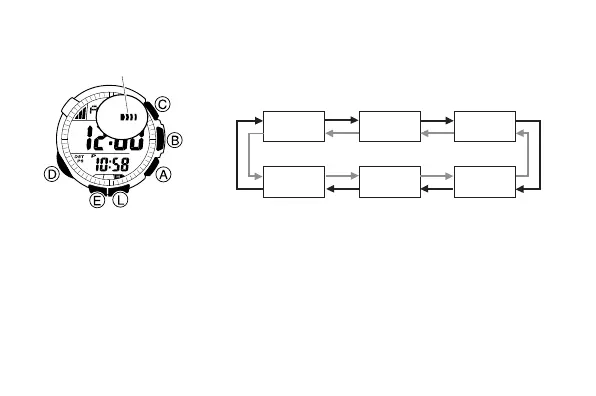
1. In the Alarm Mode, use A and C to scroll
through the alarm screens until the one whose
time you want to set is displayed.
2. Hold down E until the hour setting of the alarm time start to flash, which
indicates the setting screen.
• This automatically turns on the alarm.
3. Press D to move the flashing between the hour and minute settings.
4. While a setting is flashing, use A (+) and C (–) to change it.
• When setting the alarm time using the 12-hour format, take care to set
the time correctly as a.m. (no indicator) or p.m. (P indicator).
5. Press E to exit the setting screen.
ALM-1 ALM-2 ALM-3
SIG ALM-5 ALM-4
A
C
Alarm on
indicator



 To Next Page