E-77
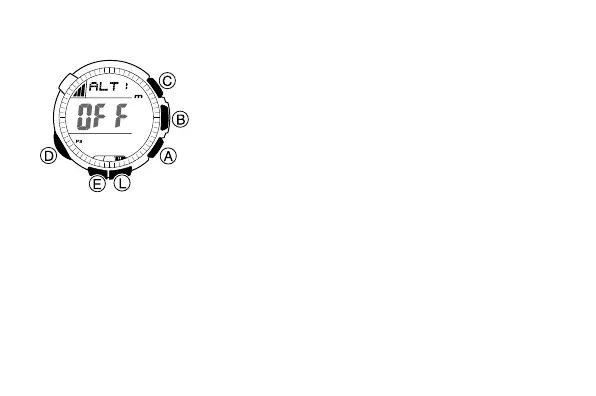
To set a reference altitude
1. In the Altimeter Mode, hold down E for about
two seconds until either OFF or the current
reference altitude value starts to flash. This is
the setting screen.
2. Press A (+) or C (–) to change the current
reference altitude value by 5 meters.
• You can set the reference altitude within the
range of –10,000 to 10,000 meters.
• Pressing A and C at the same time
returns to OFF (no reference altitude), so
the watch performs air pressure to altitude
conversions based on preset data only.
3. Press E to exit the setting screen.
l
l
l
l
l
l
l
l
l
l
l
l
l
l
l
l
l
l
l
l
l
l



 To Next Page