E-13
• When using the watch outside the areas covered by the time signal
transmitters, you will have to adjust the current time setting manually as
required. See
“Timekeeping” (page E-116) for more information about
manual time settings.
• The U.S. time calibration signal can be picked up by the watch while in
North America. The term “North America” in this manual refers to the area
that consists of Canada, the continental United States, and Mexico.
To specify your Home City
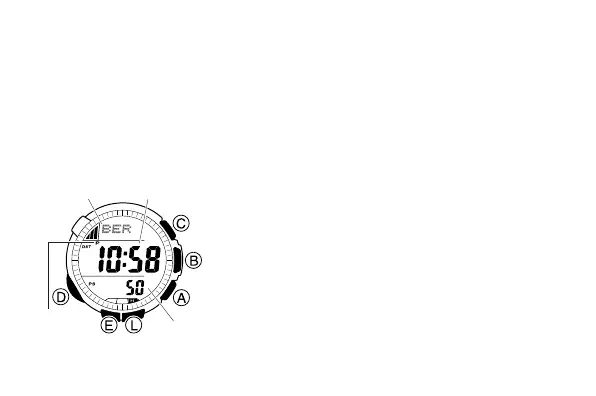
1. In the Timekeeping Mode, hold down E until
the city code starts to flash, which indicates
the setting screen.
2. Press A (east) and C (west) to select the
city code you want to use as your Home City.
LON : London
PAR, BER : Paris, Berlin, Milan, Rome,
Amsterdam, Hamburg, Frankfurt,
Vienna, Barcelona, Madrid
ATH : Athens
TYO, SEL : Tokyo, Seoul
l
l
l
l
l
l
l
l
l
l
l
l
l
l
l
l
l
l
l
l
City code Hour : Minutes
PM
indicator
Seconds



 To Next Page