E-88
Clearing the Historical Record
Use the following procedure when you want to clear the contents of the
historical record and restart all values from zero.
To clear the historical record
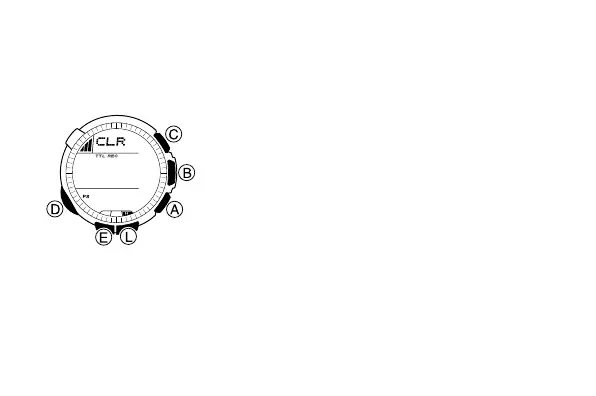
1. In the Data Recall Mode, press B to display
the high altitude data (
MAX
) of the historical
record.
2. Hold down E.
• CLR will appear in the upper part of the
display.
3. Keep E held down for an additional two
seconds until CLR starts flashing.
• The historical record high altitude screen will
reappear when data deletion is complete.
• If you release the E button part way through
the above procedure, the watch will return to
the historical record high altitude screen
without deleting the data.



 To Next Page