E-44
• xxx is shown on the display while calibration is being performed. When
calibration is successful, the display will show OK and the Digital Compass
Mode (showing the angle value) screen.
• If xxx appears and then changes to
ERR
(error) on the calibration
screen, it means that there is something wrong with the sensor. When
ERR
disappears after about one second, try performing the calibration
again. If
ERR
keeps appearing, contact your original dealer or nearest
authorized CASIO distributor to have the watch checked.
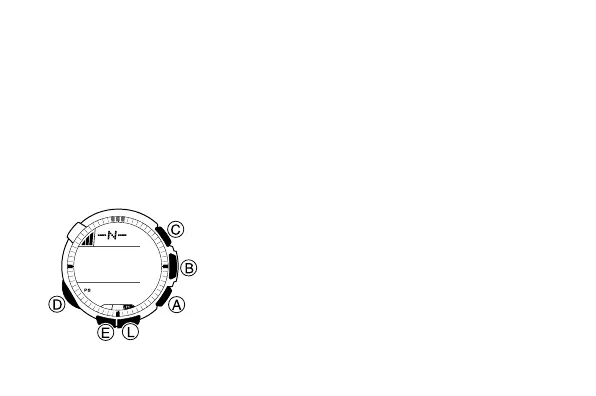
To perform northerly calibration
1. In the Digital Compass Mode, hold down E
for about two seconds until the magnetic
declination angle value starts to flash. This is
the setting screen.
2. Press D three times to display the northerly
calibration screen.
• At this time, -N- (north) appears on the
display.
l
l
l
l
l
l
l
l
l
l
l
l
l
l
l



 To Next Page