E-33
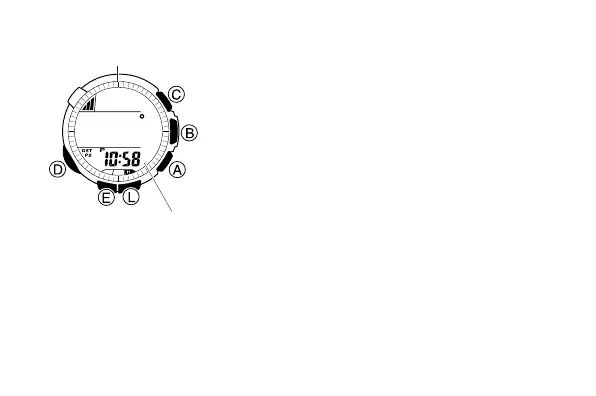
To enter and exit the Digital Compass Mode
1. While in the Timekeeping Mode or in any of
the other sensor modes, press C to enter the
Digital Compass Mode.
• At this time, the watch will start a Digital
Compass operation. After about two
seconds, letters appear on the display to
indicate the direction that the 12 o’clock
position of the watch is pointing.
• The direction reading on the display is
updated each second for up to 20 seconds,
after which measurement stops
automatically.
2. Press D to return to the Timekeeping Mode.
Current time
12 o’clock position



 To Next Page